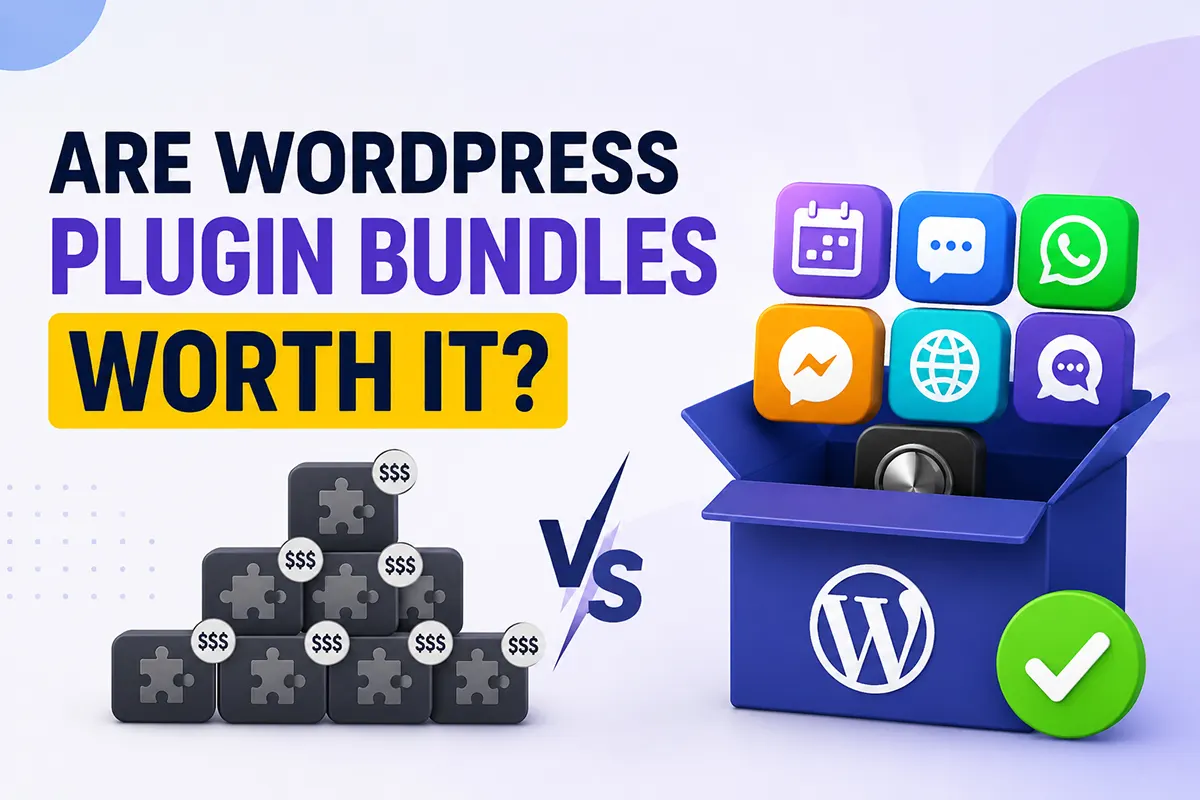

You need a dark mode toggle. Then, there is a WhatsApp chat button. Then, something to display events. Before you know it, you’re staring at three separate checkout pages, and the total is creeping past $200. Sound familiar? This is exactly the moment most WordPress users start asking whether a WordPress plugin bundle makes more sense than buying plugins one by one.
It’s a fair question, and the honest answer is: it depends on how many plugins you need and how many sites you run. In this guide, we’ll break down the real math, look at when bundles save you serious money, and — just as importantly — when they don’t. We’ll use ThemeAtelier’s own All Plugins Mega Bundle as a working example, because we know its numbers inside out.
Key Takeaways
- A WordPress plugin bundle is worth it when you need three or more plugins from the same developer — that’s usually the break-even point.
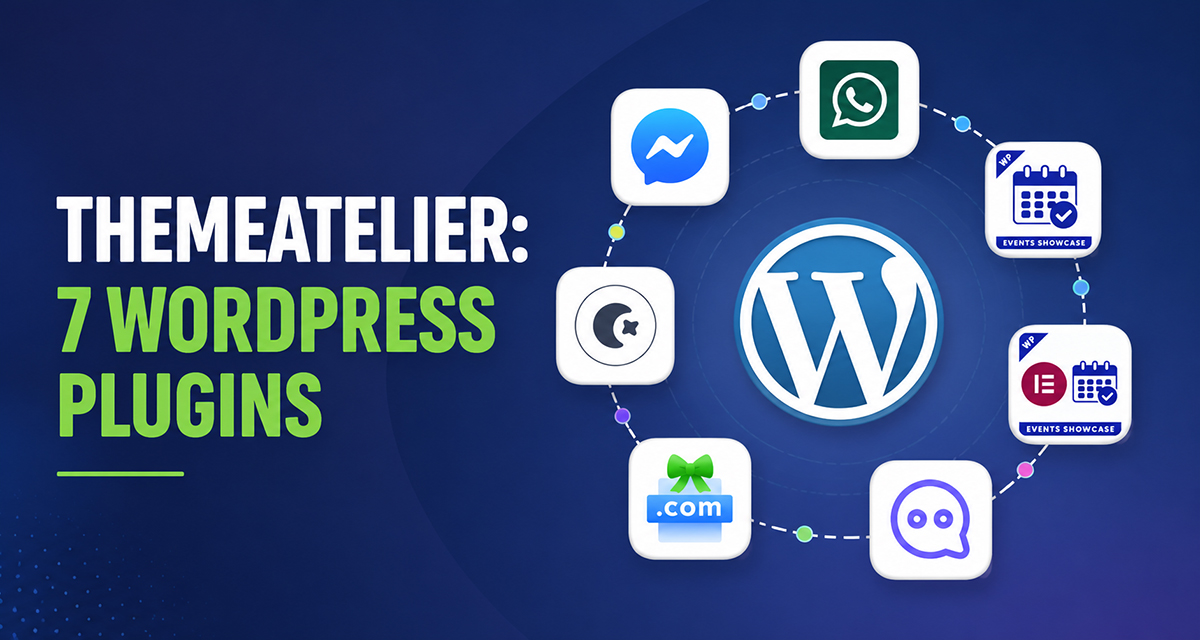
- ThemeAtelier’s All Plugins Mega Bundle includes 7 premium plugins for $149.70 instead of $499 individually — a saving of about 70%.
- That works out to roughly $21 per plugin, less than most single-premium plugin licenses.
- Lifetime licenses beat yearly plans after the second year and include lifetime updates plus priority support.
- Bundles make the most sense for freelancers, agencies, and multi-site owners who reuse plugins across projects.
- Skip the bundle if you only need one plugin for one site — buying individually is cheaper in that case.
- A 14-day no-questions-asked refund means you can test the bundle risk-free.
Table of Contents
What Is a WordPress Plugin Bundle?
A WordPress plugin bundle is a package deal: instead of buying premium plugins one at a time, you pay a single discounted price for a whole collection from one developer. Think of it like a streaming subscription versus renting movies individually — the more you actually use, the better the deal gets.
The official WordPress.org directory lists around 60,000 free plugins, but premium plugins exist for a reason. They come with dedicated support, regular updates, and features that free versions hold back. A typical premium plugin costs $30–$100 per year for a single site. Buy five or six of those separately, and you’re easily past $300.
Bundles flip that math. Developers can offer 60–80% discounts because they’d rather sell you seven plugins at a lower margin than one plugin at full price. You get more tools; they get a bigger customer relationship. When the bundle matches your actual needs, everybody wins.
Who are bundles made for? Mostly people who build or run more than one website: freelancers, agencies, bloggers with side projects, and small business owners who want room to grow without paying again later.
Pros of Buying a WordPress Plugin Bundle
The obvious benefit is price, but it’s not the only one. Here’s what you actually get when you buy bundled instead of piecemeal:
- Lower total cost. Bundle discounts typically run 60–80% compared to individual pricing. That’s not a small saving — it’s the difference between $499 and $149.70 in ThemeAtelier’s case.
- One purchase, one account. One license key, one dashboard, one renewal date. No spreadsheet needed to track what expires when.
- Consistent support. Every plugin comes from the same team. When something breaks, you contact one support desk instead of playing email ping-pong between three vendors who each blame the other.
- Better compatibility. Plugins from one developer are built on shared coding standards (see the WordPress Plugin Handbook for what good practice looks like). They’re tested together, so conflicts are far less likely.
- Easier management. Updates arrive on a similar schedule and follow the same patterns. Your maintenance routine gets simpler, not messier.
- Long-term savings. With a lifetime bundle, you stop paying renewals entirely. Every year after purchase, your effective cost per plugin drops.
- Better value for agencies. Multi-site licenses mean one bundle covers 5, 25, or unlimited client sites. The cost per site becomes almost trivial.
When a Plugin Bundle Is NOT Worth It
Let’s be honest here, because this is where a lot of buying guides go quiet. A plugin mega bundle is not automatically a good deal. There are real situations where you should keep your money:
- You only need one plugin. If dark mode is genuinely all you want, buy the dark mode plugin. A single license will cost less than any bundle, and unused plugins are just clutter.
- You’re building a one-off website. A single brochure site that will never change doesn’t need a growing toolkit. Buy exactly what the project requires.
- You need very specific niche functionality. No bundle covers everything. If your must-have feature isn’t in the package, the discount on plugins you won’t use is irrelevant.
- You already own similar plugins. If you’ve got active licenses for a chat widget and an events plugin, buying a bundle that duplicates them means paying twice for the same job.
One more thing worth saying: don’t install plugins you don’t need just because you own them. Every active plugin adds code to your site, and Google’s page experience guidance is clear that speed and stability matter for rankings. Own the bundle; install only what each site actually uses.
A simple rule of thumb: if you’d buy three or more of the included plugins anyway — now or within the next year — the bundle wins. If not, buy individually.
Cost Comparison: Individual Plugins vs the Mega Bundle
Numbers settle this debate faster than opinions. Here’s how buying ThemeAtelier’s seven plugins individually compares with grabbing the Mega Bundle:
| Buying Individually | ThemeAtelier Mega Bundle | |
|---|---|---|
| Total price | $499 | $149.70 |
| Number of plugins | 7 (bought separately) | All 7 included |
| Purchases to manage | 7 checkouts, 7 license keys | 1 checkout, 1 license |
| Updates | Per plugin, per license term | All plugins (lifetime on lifetime plans) |
| Support | Standard, per plugin | Priority support on lifetime plans |
| Site licenses | Varies per plugin | 5, 25, or unlimited sites |
| Long-term value | Costs stack with each addition | Cost per plugin drops to ~$21 |
The savings math is straightforward. Individually, the seven plugins are valued at $499. The bundle costs $149.70. That’s $349.30 saved — roughly 70% off. Divide the bundle price by seven, and you’re paying about $21.39 per premium plugin, which is less than most single-plugin licenses cost on their own.
Even if you only ever use four of the seven plugins, your effective price is about $37 each, still comfortably below typical individual pricing.
What’s Included in ThemeAtelier’s Mega Bundle?
A discount only matters if the plugins are genuinely useful. Here’s what each of the seven does, and who gets the most out of it.
Darkify — Dark Mode for WordPress
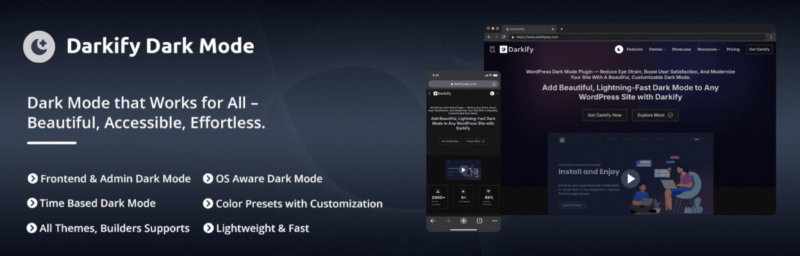
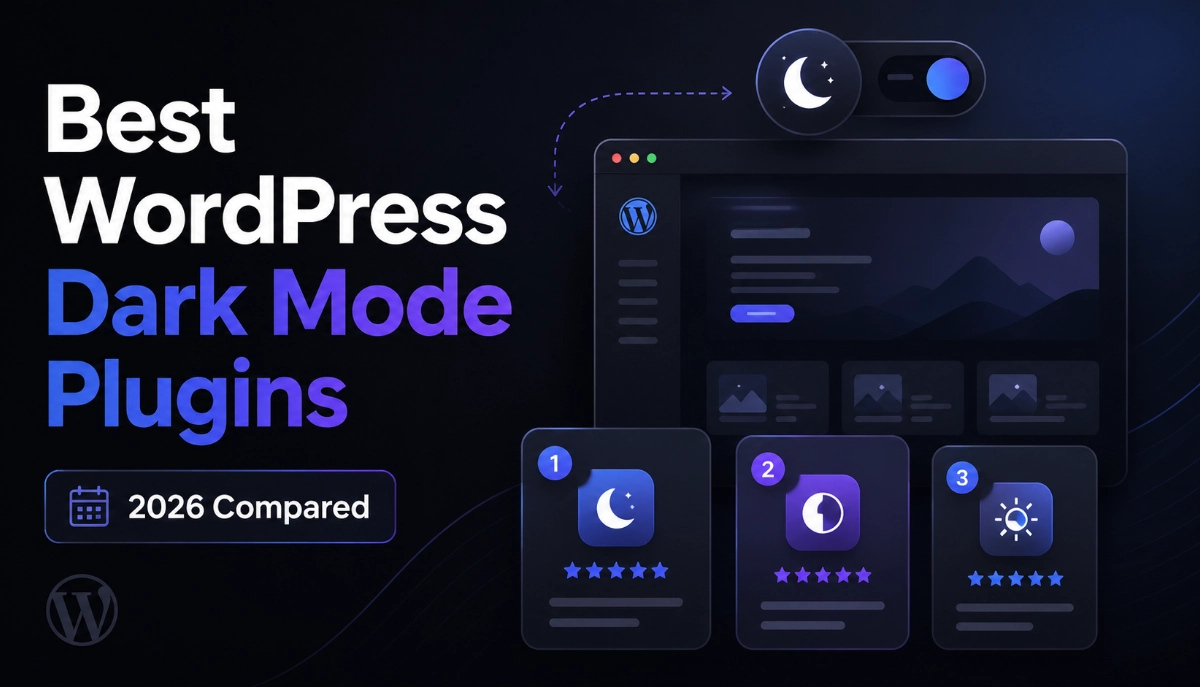
Darkify adds a customizable dark mode switcher to your site’s front end — and even to your WordPress admin. Visitors reading at night get a comfortable experience, and you get a modern feature users increasingly expect. Best for: blogs, news sites, and documentation sites with long-form reading. Example: a recipe blogger adds a floating dark mode toggle so late-night readers stop bouncing off a bright white screen.
Eventful — Event Layouts for The Events Calendar
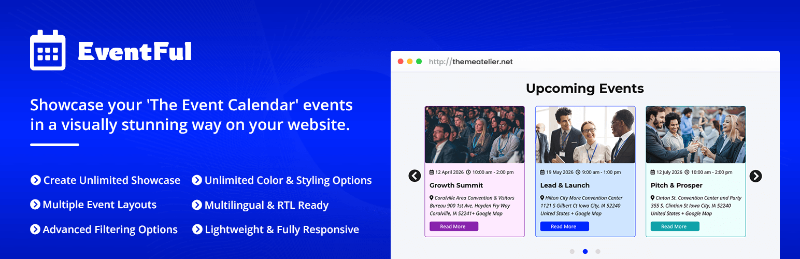
Eventful gives you clean, modern display layouts for The Events Calendar plugin, fixing the styling and compatibility headaches its default views cause with many themes. Best for: venues, churches, schools, and community organizations. Example: a yoga studio replaces a cramped default calendar with a card-style upcoming-classes grid on its homepage.
Eventful for Elementor — Design Events Visually
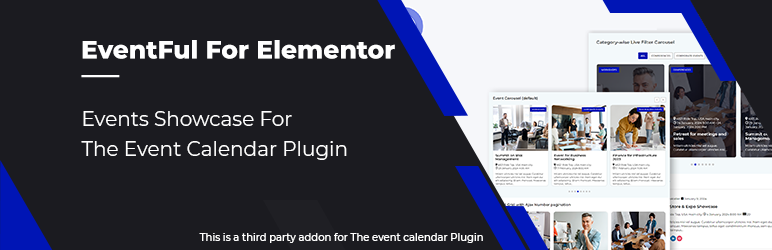
Eventful for Elementor brings the same event layouts into Elementor as drag-and-drop widgets, so you can style event listings without touching code. Best for: Elementor users and agencies that build client sites with page builders. Example: a freelancer drops an event carousel widget onto a conference client’s landing page and matches the brand colors in minutes.
Chat Help — WhatsApp Chat for WordPress
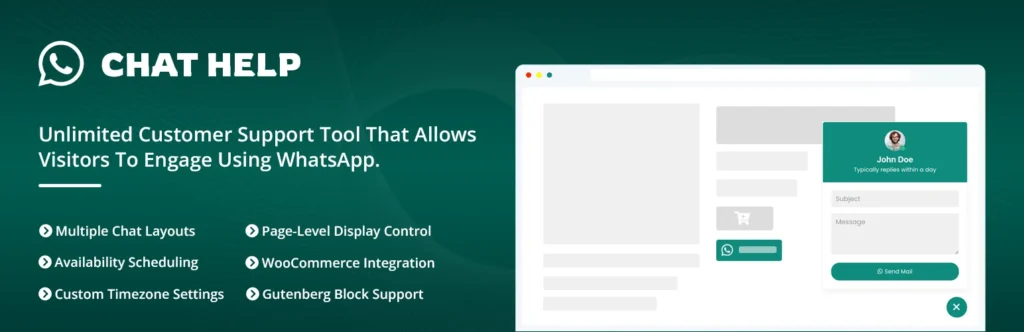
Chat Help adds a WhatsApp chat button so visitors can message you instantly from any page. Since so many customers already live in WhatsApp, this shortens the path from “I have a question” to “I’m buying.” Best for: WooCommerce stores, local services, and businesses in WhatsApp-heavy markets. Example: an online furniture store answers sizing questions in WhatsApp and rescues sales that would have been abandoned carts.
Messenger Chat — Facebook Messenger Support
Messenger Chat does the same job for Facebook Messenger, with customizable chat bubbles that let visitors reach you where they already spend time. Best for: businesses with an active Facebook page and audiences who prefer Messenger over email. Example: a travel agency fields itinerary questions through Messenger and keeps the full conversation history tied to each customer’s profile.
Domain For Sale — Sell Domains From WordPress
Domain For Sale turns any parked domain into a professional sales page with offer management, appraisals, and secure escrow-friendly workflows. Best for: domain investors and anyone sitting on unused domains. Example: a developer lists three dormant domains with “make an offer” forms instead of letting them expire worthless.
Greet Bubble — Video Welcome Messages

Greet Bubble shows a small video bubble that greets visitors with a personal welcome message and quick contact options. It’s the closest thing to walking into a shop and being greeted by name. Best for: consultants, coaches, agencies, and personal brands. Example: a web designer records a 20-second intro video for their portfolio site, and prospects mention it in nearly every inquiry.
Lifetime vs Yearly License: Which Should You Pick?
The Mega Bundle comes in both yearly and lifetime plans, each with 5-site, 25-site, and unlimited-site tiers. So which one fits you?
| Yearly License | Lifetime License | |
|---|---|---|
| Initial cost | Lower upfront | Higher upfront, one payment |
| Renewals | Renews every year | Never — pay once |
| Updates | While subscription is active | Lifetime updates included |
| Support | Standard support | Priority support included |
| Break-even point | — | Usually pays for itself by year 2–3 |
| Best for | Short-term projects, trying the plugins | Freelancers, agencies, long-term site owners |
Here’s the practical way to decide. Freelancers and agencies should lean lifetime with the 25-site or unlimited tier — client work is recurring, so renewals are a tax on every future project. Small business owners with one established site they plan to keep for years also come out ahead on lifetime.
Hobby site owners or anyone unsure about long-term plans can start yearly. If the plugins earn their keep, upgrade later. And since lifetime WordPress plugins from ThemeAtelier include lifetime updates and priority support, you’re not gambling on abandoned software — updates keep coming as WordPress evolves.
Who Should Buy This WordPress Plugin Bundle?
Based on the math above, the bundle clearly pays off for:
- ✅ Freelancers who reuse the same trusted plugin stack across client projects
- ✅ Agencies that need multi-site licenses without per-site license accounting
- ✅ Client site builders who want one vendor, one support desk, one invoice
- ✅ Owners of multiple websites — even two or three personal sites tip the math toward the bundle
- ✅ Anyone planning future projects who’d rather lock in 70% savings now than pay full price later
Who Should Skip It?
And just as clearly, save your money if any of these describe you:
- ❌ One website, forever. A single site with no expansion plans rarely needs seven premium plugins.
- ❌ You need exactly one plugin. Buy that plugin individually — it’s cheaper and simpler.
- ❌ You already own alternatives. If active licenses cover chat, events, and dark mode, a bundle duplicates what you’ve paid for.
Frequently Asked Questions
Are WordPress plugin bundles worth buying?
Yes — if you need three or more of the included plugins. Bundles typically discount 60–80% versus individual pricing. ThemeAtelier’s Mega Bundle, for example, includes 7 plugins for $149.70 instead of $499. If you only need one plugin for one site, buying individually is the better deal.
Is a lifetime plugin license worth it?
Usually, yes — a lifetime license typically pays for itself within two to three years compared to yearly renewals. It’s the strongest option for freelancers, agencies, and long-term site owners. ThemeAtelier’s lifetime plans also include lifetime updates and priority support, so the software stays maintained as WordPress evolves.
How much money can a plugin bundle save?
ThemeAtelier’s All Plugins Mega Bundle saves $349.30 — about 70% — compared to the $499 combined individual value of its 7 plugins. That works out to roughly $21 per premium plugin. Savings across the industry vary, but 60–80% off individual pricing is the common range for legitimate bundles.
Can agencies use plugin bundles on client sites?
Yes. ThemeAtelier’s Mega Bundle offers 5-site, 25-site, and unlimited-site licenses on both yearly and lifetime plans. The unlimited lifetime tier is built for agencies: one purchase covers every current and future client site, with priority support and no renewal fees eating into project margins.
What’s included in ThemeAtelier’s Mega Bundle?
All 7 premium ThemeAtelier plugins: Darkify (dark mode), Eventful and Eventful for Elementor (event displays), Chat Help (WhatsApp chat), Messenger Chat (Facebook Messenger), Domain For Sale (domain sales pages), and Greet Bubble (video welcome messages). Every plan includes updates and support, with a 14-day no-questions-asked refund.
So, Are WordPress Plugin Bundles Worth It?
Here’s the honest bottom line. A WordPress plugin bundle is worth it when you’ll actually use several of the included plugins — across one growing site, multiple projects, or a client roster. The math isn’t subtle: $149.70 for seven plugins versus $499 individually is a 70% saving, and lifetime plans stop the renewal clock entirely.
It’s not worth it if you need one plugin for one site. Buy just what you need, and don’t let a discount talk you into tools you’ll never install.
But if you’re a freelancer, an agency, or a site owner with plans beyond this month, the numbers favor the bundle — and the 14-day refund means the decision is reversible. Take a look at what’s included and run your own math.
Backed by ThemeAtelier’s 14-day no-questions-asked money-back guarantee.