
Install WordPress, search “best plugins,” and you’ll find hundreds of recommendations before lunch. Most small businesses don’t need dozens of tools — they need a focused set of must-have WordPress plugins for small business sites that covers security, backups, speed, lead capture, analytics, and customer communication without turning the dashboard into a maintenance job.
This guide organizes recommendations by business need rather than by popularity, so you can build a stack that actually fits a local service business, a consultancy, a small WooCommerce store, or a solo founder’s site — and skip whatever doesn’t apply.
Which WordPress plugins does a small-business website need? Most small-business sites need security, backups, SEO, caching, a lead-capture form, analytics, and spam protection, plus one or two customer-engagement tools that match the business model. Ecommerce, booking, CRM, live chat, WhatsApp, video, and dark mode are useful for specific businesses rather than universal requirements.
Editorial disclosure: ThemeAtelier develops ChatHelp, GreetPlayer, and Darkify, three of the plugins covered below. This guide also covers independent, foundational plugin categories so you can build a practical stack whether or not you use any ThemeAtelier product.
Key Takeaways
- The foundational stack is security, backups, SEO basics, caching, a lead-capture form, analytics, and spam protection — most sites need all seven.
- Fewer, well-chosen plugins beat a long list. One well-supported tool per function reduces conflicts, update work, and performance risk.
- ChatHelp fits businesses whose customers already message on WhatsApp for quotes, service questions, or product inquiries.
- GreetPlayer fits businesses that benefit from a short human video introduction — consultants, coaches, agencies, and service providers.
- Darkify fits content-heavy or brand-forward sites where visitors would appreciate choosing a light or dark appearance — it’s a preference, not a fix for accessibility.
- Backups and security come before visual polish. A beautiful site that isn’t backed up or secured is a bigger business risk than a plain one that is.
- Add business-specific tools only when there’s a defined need — booking, CRM, and ecommerce plugins add real value, but only for businesses that actually use them.
Table of Contents
The Small-Business WordPress Plugin Stack at a Glance
| Need | Recommended category | Best for | Free option | Priority | Main consideration |
|---|---|---|---|---|---|
| Security | Firewall + malware scan | Every site | Yes | Essential | Free tier lacks real-time threat updates |
| Backups | Automated off-site backup | Every site | Yes | Essential | Only useful if restore is tested |
| SEO | On-page SEO + sitemaps | Every site | Yes | Essential | Doesn’t guarantee rankings |
| Performance | Caching + optimization | Every site | Depends on host | Usually recommended | Avoid overlapping optimizers |
| Contact forms | Form builder | Every site | Yes | Essential | Test delivery regularly |
| Analytics | Traffic + conversion data | Every site | Yes | Essential | Informs decisions, doesn’t improve speed |
| Spam protection | Comment/form filtering | Sites with forms/comments | Yes | Usually recommended | One tool is enough |
| WhatsApp communication | ChatHelp | Mobile-first, quote-driven businesses | Yes | Optional | Not a replacement for email support |
| Video welcome | GreetPlayer | Service businesses, consultants | Yes | Optional | Needs an actual video to embed |
| Dark mode | Darkify | Content-heavy or brand-forward sites | Yes | Optional | Requires visual QA on key pages |
| Ecommerce | WooCommerce | Stores selling products | Yes | Essential for stores only | Adds its own security/performance needs |
| Booking | Appointment scheduling | Salons, clinics, consultants | Depends | Essential for bookable services | Confirm timezone handling |
| CRM/email marketing | List + automation tool | Businesses building an email list | Depends | Optional | Check contact-data ownership |
Start With the Foundation
Whatever the exact list, the must have WordPress plugins small business owners install first are rarely the flashy ones. Secure hosting, backups, security, performance, basic SEO, analytics, and a working contact form should generally come before engagement or visual-enhancement plugins. A fast, reliable, measurable site makes every later addition — including WhatsApp chat or a video welcome — more effective, because visitors can actually reach and trust the site first.
Which Security Plugin Should a Small Business Use?
Wordfence and Sucuri Security are long-established, actively maintained options covering login protection, malware scanning, and a firewall in their free versions. Paid tiers typically add real-time threat updates. Some hosts already include firewall and scanning server-side — check before adding a duplicate layer. No plugin makes a site unhackable; the goal is reducing risk, not eliminating it.
Why Does a Small Business Need a Backup Plugin?
UpdraftPlus is a widely used option for automated backups sent to off-site storage like Google Drive or Dropbox, with database-only or full-site options. Host-provided backups are useful but shouldn’t be the only copy, since a server-wide issue can affect both. A backup only helps if you’ve confirmed the restore actually works.
What SEO Plugin Do Small Business Sites Need?
Rank Math and Yoast SEO both handle the basics: title and meta-description templates, XML sitemaps, schema markup, and social-sharing previews, without code. Neither guarantees a ranking improvement — they make a site easier for search engines to understand, which is a starting point, not a result.
Which Caching Plugin Improves Small Business Site Speed?
The right choice often depends on hosting. LiteSpeed Cache is free and works best on LiteSpeed servers, while WP Rocket is a paid option built for most hosting environments. Both handle page caching, image optimization, lazy loading, and database cleanup. Avoid enabling overlapping features — like two plugins both minifying CSS — since that causes more problems than it solves.
What Contact Form Plugin Should Small Businesses Use?
WPForms Lite covers contact forms, quote requests, and newsletter signups with a drag-and-drop builder and built-in spam protection. Whichever form plugin you choose, check email-delivery reliability, entry storage, and consent handling — and test every important form periodically to confirm submissions still arrive.
How Should a Small Business Track Analytics?
Site Kit by Google is the official, free Google plugin connecting Search Console, Analytics, and PageSpeed Insights to the WordPress dashboard. It shows traffic sources, popular pages, and engagement where configured. Analytics itself doesn’t improve anything — it gives you information to make better decisions.
Does a Small Business Site Need Separate Spam Protection?
Akismet, maintained by Automattic, filters spam from comments, forms, and registrations and remains actively updated. If your form plugin already includes solid spam filtering, a second dedicated tool is often unnecessary — running multiple overlapping anti-spam plugins rarely improves results and adds one more thing to maintain.
ChatHelp: Best for WhatsApp Conversations
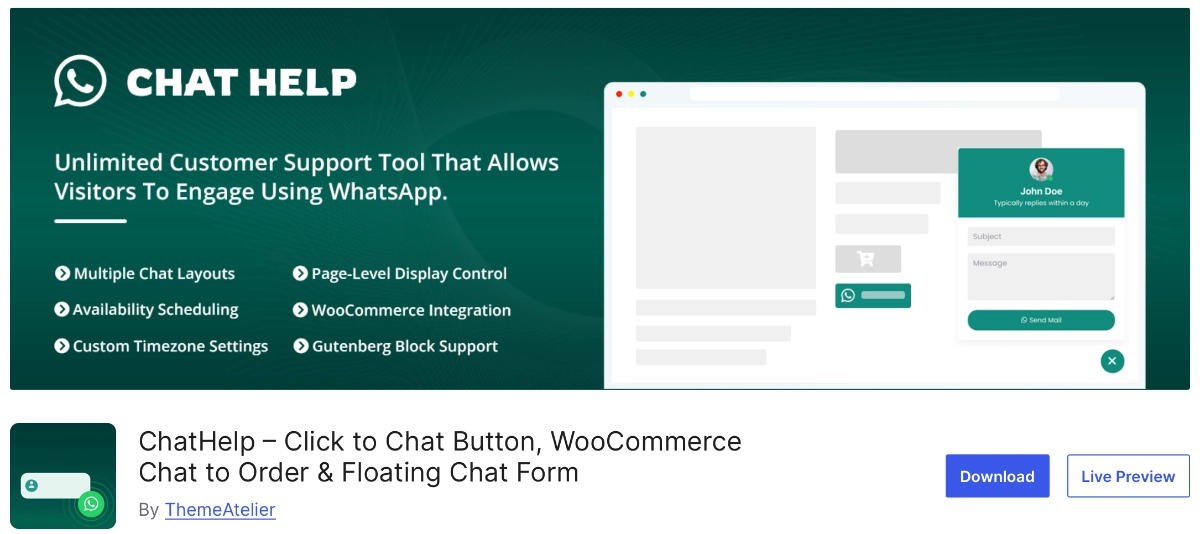
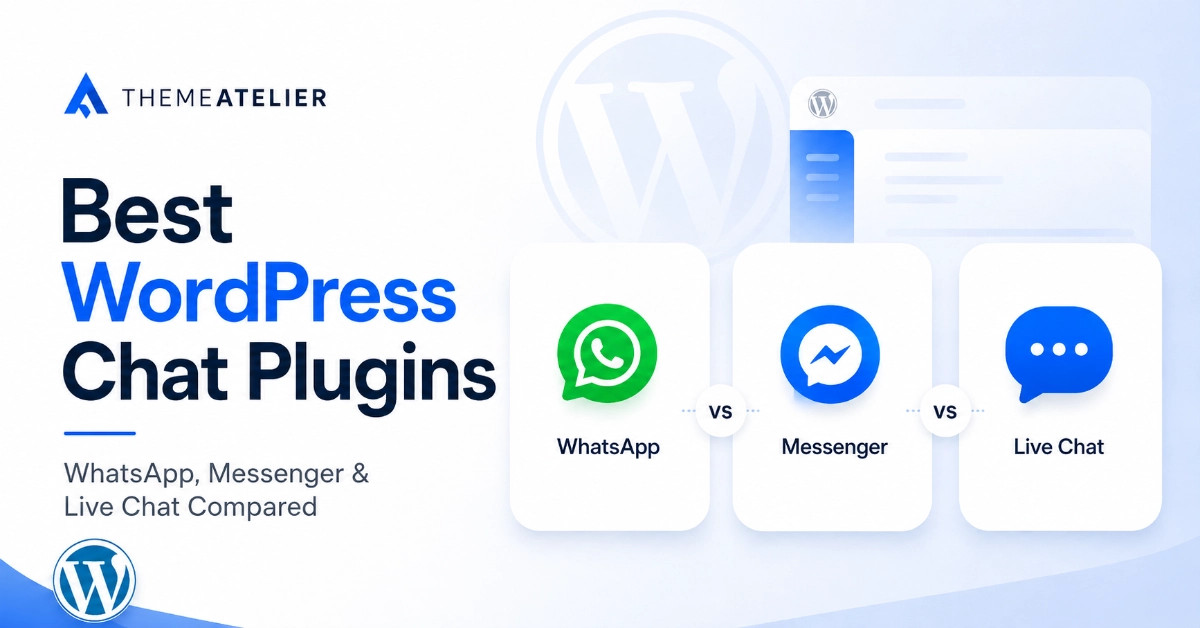
Many customers would rather send a WhatsApp message than fill out a contact form, especially on mobile. ChatHelp adds a floating WhatsApp bubble with pre-filled messages, WooCommerce buttons on shop and checkout pages, and a built-in leads dashboard, so quote requests and service-area confirmations start as a conversation instead of a form.
Best-fit businesses: service providers, consultants, and WooCommerce stores whose customers already use WhatsApp. Verified capabilities: multiple layout styles, dynamic message variables, page-level display targeting, and analytics tracking views and conversions. Pro adds: multi-agent routing so inquiries reach the right team member, unlimited custom form fields, and webhook integration.
When it’s unnecessary: if your audience mostly emails or calls, or you already run help-desk software, a WhatsApp bubble adds another channel to monitor rather than solving a problem. It doesn’t guarantee more sales — it lowers friction for customers who prefer messaging. Start with the free version of ChatHelp and compare Pro features when you need multi-agent routing.
GreetPlayer: Best for a Human Video Welcome
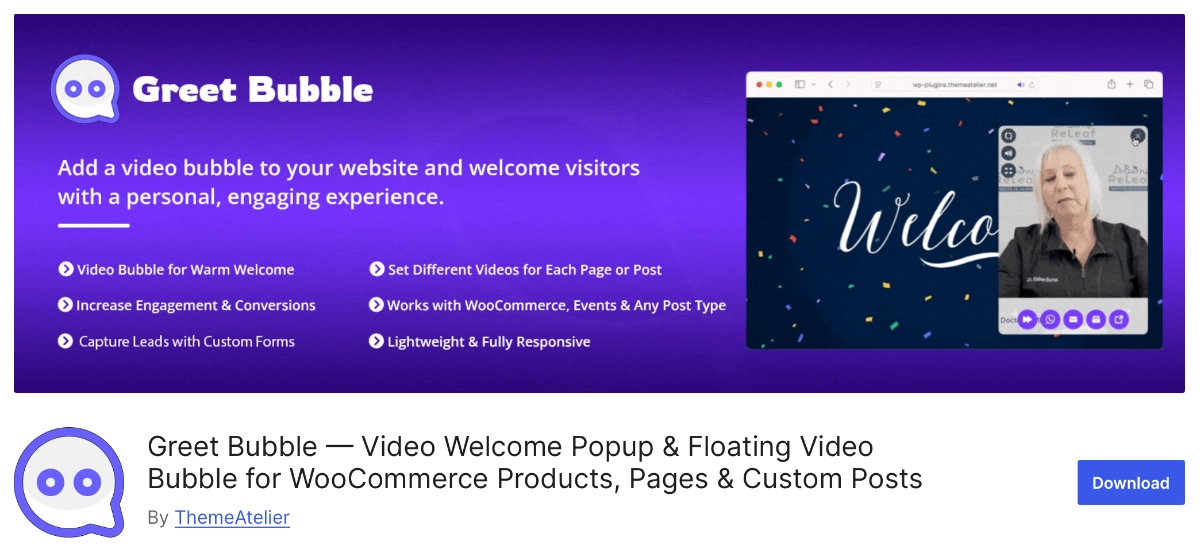
A short video can introduce a business and add a human presence that static text can’t, particularly for high-consideration purchases where trust matters. GreetPlayer creates a floating video welcome bubble; the free version supports multiple videos, a contact-form connection, and product-specific messages on WooCommerce pages.
Best-fit businesses: consultants, coaches, agencies, real estate professionals, and local service providers. Keep the video brief, avoid disruptive autoplay audio, add captions where possible, compress the file for mobile, and confirm it doesn’t cover important content or checkout controls.
When it’s unnecessary: without a genuine video to record, a static page with clear copy and a photo may work just as well. Explore GreetPlayer free or the Pro version if a short personal video would genuinely help.
Darkify: Best for Optional Dark Mode
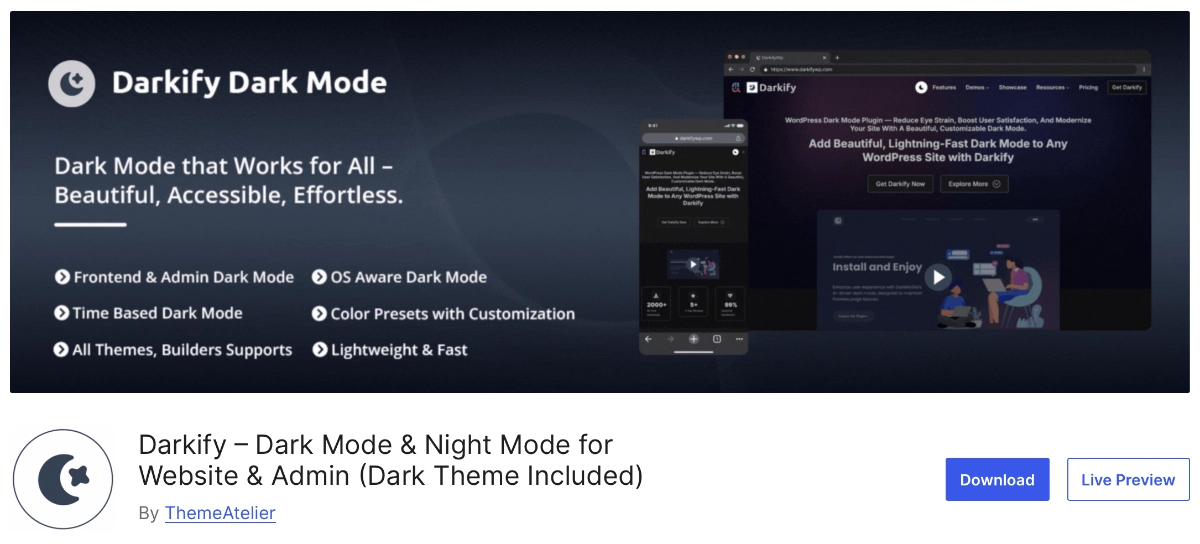
Darkify adds a light/dark toggle for the front end and admin dashboard, with OS-aware detection, time-based scheduling, and WooCommerce-styled dark views. It stores the visitor’s preference locally rather than collecting personal data, so repeat visitors who choose dark mode generally see it again on their next visit in the same browser.
Best-fit businesses: content-heavy blogs, documentation sites, and brands with significant evening traffic. Dark mode is a comfort and preference feature, not a substitute for accessibility work — contrast ratios, screen-reader support, and keyboard navigation are separate requirements a dark toggle doesn’t fulfill on its own. Check logos, transparent images, product photos, and third-party widgets in dark mode before launch.
PH Deposits for WooCommerce: Best for Flexible Payment Options
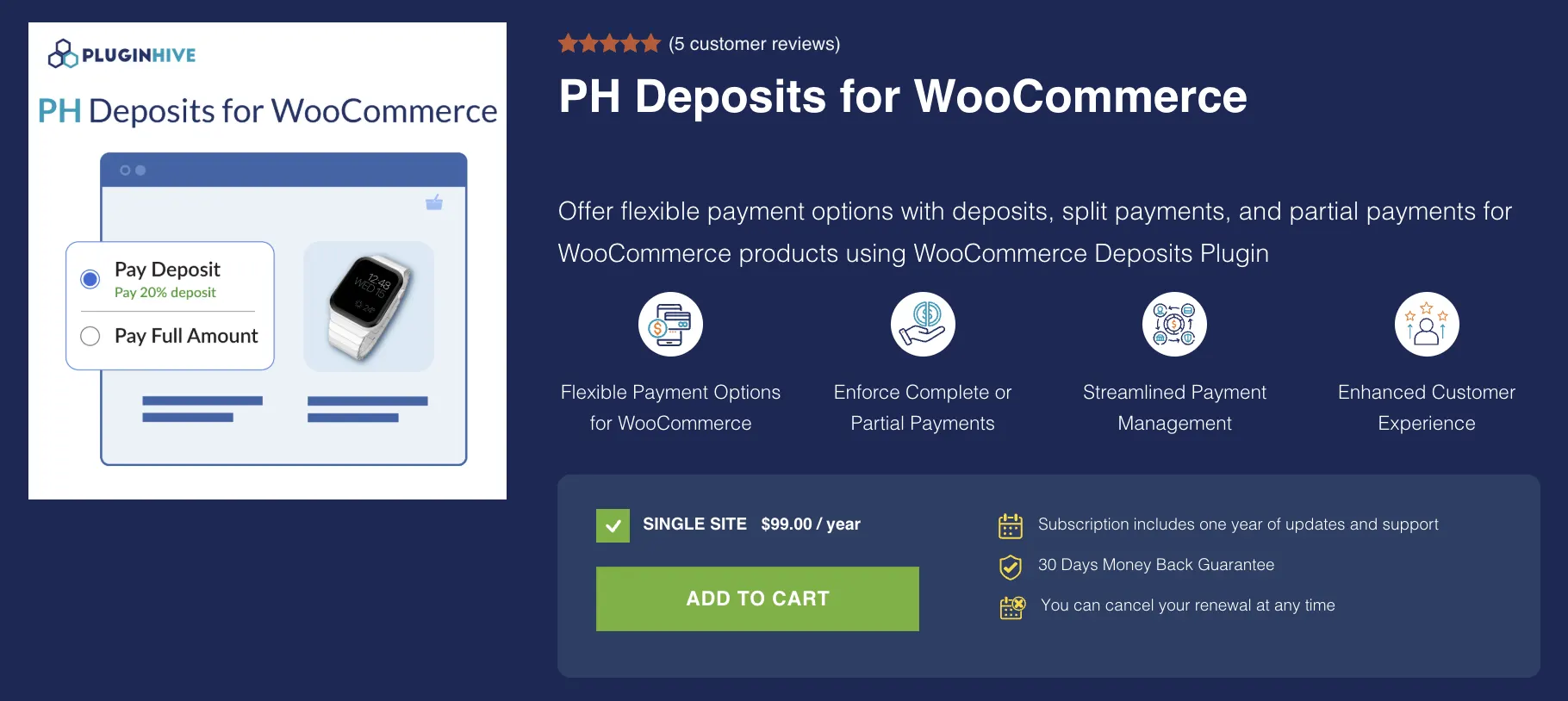
Large orders, bookings, and custom products can be easier to sell when customers don’t have to pay the full amount upfront. PH Deposits for WooCommerce lets businesses accept fixed or percentage-based deposits, partial payments, or full payments, with options to schedule and manage the remaining balance.
Best-fit businesses: WooCommerce stores selling high-value products, custom orders, services, or bookings. Store owners can make deposits mandatory or optional, create daily, weekly, monthly, or yearly payment plans, and send automated reminders for outstanding balances. It also works with Bookings & Appointments for WooCommerce for businesses that collect deposits for reservations or appointments.
When it’s unnecessary: if your products are generally low-cost and customers are expected to pay the full amount at checkout, a deposit system may add unnecessary complexity. For stores that regularly handle large purchases, bookings, or installment payments, PH Deposits for WooCommerce provides more flexible payment options.
How Do ChatHelp, GreetPlayer, and Darkify Work Together?
Each plugin solves a different part of the visitor experience: GreetPlayer welcomes and introduces, ChatHelp opens a direct conversation, and Darkify lets visitors choose a comfortable appearance. A typical visit: the visitor understands the business through a short video, starts a WhatsApp conversation once ready, all while browsing in their preferred light or dark view.
These three shouldn’t be installed together simply because they share a developer. Enable each only when it fits your audience, and test the combination for mobile layout, speed, and overlapping floating elements. Avoid stacking multiple buttons in the same corner, and make sure none cover a cookie notice, checkout control, or accessibility widget.
Additional Plugins Based on Business Type
Some categories matter only for specific businesses. WooCommerce is the standard for selling products, but it brings its own requirements — payment configuration, tax settings, transactional email, and heavier backup and performance needs than a brochure site.
Booking and scheduling matters for salons, clinics, and coaches, where calendar sync, time zones, deposits, and cancellation rules need to work reliably. CRM and marketing automation matter once a business is building a list — check consent handling and who owns the contact data if you switch providers. Invoicing tools help service businesses that regularly send estimates, but aren’t worth adding without that need.
How to Choose Plugins Without Slowing Down the Site
Use one well-supported plugin per core function, and avoid a second tool doing the same job. Check update history and support activity before installing, test performance before and after, and remove plugins no longer active. Avoid nulled or unofficial downloads entirely, keep everything updated, and use staging for major changes when possible.
Before adding a plugin, check whether your host or theme already provides that feature — caching, backups, and a firewall are increasingly built into managed hosting. Plugin count alone isn’t a reliable measure of speed; a handful of poorly coded plugins will slow a site more than a larger set of well-maintained ones.
Free vs. Pro Plugins for a Small Business
Free versions are usually enough for testing a workflow, launching a simple site, or covering basic SEO and forms with one communication channel. Pro plans earn their cost once revenue depends on a feature, multiple team members need access, or the free version creates a clear operational limit — like being unable to route inquiries to the right person. Paid isn’t automatically better; it’s worth it when a specific limitation is in the way.
Recommended Stack by Business Type
- Local service business: security, backups, SEO, caching, WPForms for quote requests, ChatHelp for WhatsApp inquiries. Caution: skip booking tools unless you actually take scheduled appointments.
- Consultant or freelancer: security, backups, SEO, caching, a contact form, GreetPlayer for a personal introduction. Caution: don’t add live chat if you can’t monitor it during business hours.
- Small WooCommerce store: security, backups, SEO, caching, WooCommerce, ChatHelp for order questions. Caution: verify every plugin is WooCommerce-compatible before installing.
- Restaurant or hospitality business: security, backups, SEO, caching, a reservation or ordering form, ChatHelp for quick questions. Caution: keep menus and hours updated rather than adding more plugins.
- Agency: security, backups, SEO, caching, a lead-capture form, GreetPlayer to introduce the team. Caution: avoid duplicating client-facing tools your CRM already handles.
- Content or membership website: security, backups, SEO, caching, analytics, Darkify for long-form reading comfort. Caution: dark mode needs real visual QA across every template.
These are starting points, not fixed requirements — adjust based on what your specific business actually needs.
Plugin Installation Checklist
- Confirm the plugin solves a specific, defined problem
- Check whether WordPress, your theme, or your host already includes the feature
- Review the official listing, changelog, and documentation
- Check maintenance activity and compatibility with your WordPress version
- Back up the site before installing
- Test on staging when possible
- Configure only the modules you actually need
- Test the mobile layout and any forms or notifications
- Measure performance before and after activation
- Confirm privacy and consent requirements for any data collected
- Document renewal dates for any paid plugins
Final Recommendation
Most small-business WordPress sites should prioritize, in roughly this order: security, backups, performance, SEO, lead capture, analytics, and spam protection — then add carefully selected engagement tools. ChatHelp, GreetPlayer, and Darkify each solve a different piece of the customer experience: ChatHelp supports direct communication, GreetPlayer creates a human welcome, and Darkify adds a visual preference. None of them are must-have plugins for small business sites in general — they’re must-haves for the specific businesses they fit.
Try ChatHelp free if WhatsApp is already an important customer channel. Explore GreetPlayer if a short personal video would help explain your business. Consider Darkify if your audience would benefit from an optional dark appearance. Or browse the full ThemeAtelier plugin catalog to find additional tools for your WordPress website.
FAQ – Must-have WordPress plugins for small business
What plugins does a small-business WordPress website need?
Most small-business sites need security, automated backups, an SEO plugin, caching, a lead-capture form, analytics, and spam protection. Beyond that, add one or two engagement tools — WhatsApp chat, a video welcome bubble, or booking software — based on how customers prefer to reach the business.
How many plugins should a WordPress business site have?
There’s no fixed number. A well-run site might use ten to fifteen well-maintained plugins, or fewer if hosting and the theme already handle some functions. Focus on one plugin per core function rather than an arbitrary limit.
Do too many WordPress plugins slow down a website?
Plugin count alone isn’t the main factor — quality and coding practices matter more. A few poorly coded or overlapping plugins can slow a site more than a larger set of well-maintained ones. Removing inactive plugins and avoiding duplicate tools is more effective than chasing a specific count.
Are free WordPress plugins safe for business websites?
Free plugins from WordPress.org go through basic review and are generally safe when actively maintained. Check the last-updated date, support activity, and reviews before installing, and avoid nulled or unofficial copies of premium plugins, since those often carry hidden malicious code.
Does a small-business website need a security plugin?
Usually, yes, unless the host already provides firewall and malware-scanning at the server level. Plugins like Wordfence or Sucuri add login protection, scanning, and alerts. No security plugin makes a site unhackable, but skipping this layer raises real risk for little savings.
What is the best way to add WhatsApp to WordPress?
A dedicated plugin such as ChatHelp adds a floating WhatsApp button with pre-filled messages and WooCommerce-aware buttons on product and checkout pages, simpler for non-technical owners than coding a link manually. It works best for businesses whose customers already prefer messaging over email or phone.
Is a video welcome bubble useful for a small business?
It can be, for businesses with a genuine, short video to share — an owner introduction, a service explanation, or a product demo. Without an actual video strategy, a static page with clear copy may work just as well. A video bubble adds the most value for high-consideration, trust-dependent services.
Does dark mode improve WordPress accessibility?
Not by itself. Dark mode is a visual preference some visitors find more comfortable, but it doesn’t fulfill formal accessibility requirements like contrast ratios, screen-reader support, or keyboard navigation. A site can offer dark mode and still need separate, dedicated accessibility work.
Should a small business use free or premium plugins?
Start free for testing, launching, or low-volume needs. Upgrade to a paid plan when a specific limitation actually blocks the business — such as needing multiple support agents, advanced automation, or reporting the free version doesn’t offer. Paid isn’t automatically the better choice; it depends on the limitation you’re solving.
Can I use ChatHelp, GreetPlayer, and Darkify together?
Yes, they solve different problems and can work well together, but only install each when it matches your audience. Test the combination for overlapping floating buttons, mobile layout, and page speed, and make sure none of them cover a cookie notice or checkout control.