
It’s 11 p.m. and you’re checking a support ticket on your own WordPress dashboard. The white admin screen lights up your whole room like a search light. Somewhere around the same time, a visitor emails you: “Love the site — any chance you’ll add a dark mode?” That’s usually the moment people start Googling the best WordPress dark mode plugins.
WordPress still runs 41.5% of all websites (W3Techs, 2026), so it’s no surprise there’s a whole shelf of plugins promising a one-click switch to dark. Not all of them are equal, and a couple of “well-known” names people ask us about don’t actually exist on WordPress.org anymore — so we stuck to plugins we could verify ourselves, right now, on the plugin repository.
One quick disclosure up front, because it matters for a roundup like this: ThemeAtelier builds Darkify, one of the plugins reviewed below. We’ve tried to review it the same way we review everyone else’s — including where it falls short.
Key Takeaways
- WP Dark Mode is the established leader: 20,000+ active installs, a 4.5-star rating across 389 reviews, and free admin-dashboard dark mode included.
- Darkify (our plugin) has a much smaller install base — 600+ — but a perfect 5.0 rating across all 18 of its WordPress.org reviews, and support is the thing reviewers mention most.
- Not every plugin claiming to be a “top WordPress dark mode plugin” online is real — three commonly-suggested names turned out to have zero listings on WordPress.org.
- If you only need dark mode in wp-admin and don’t care about your visitors’ side, a dedicated admin-only plugin is lighter and simpler than a full frontend+backend one.
Table of Contents
What to Actually Look For in the Best WordPress Dark Mode Plugins
Before the rankings, here’s what separates a plugin you’ll keep from one you’ll uninstall in a week. Six things matter, in roughly this order.
- Frontend vs. admin dashboard coverage. Some plugins only theme the public-facing site. Others only theme wp-admin. A few do both — check which one you actually need before you pick based on star rating alone.
- Page speed impact. A dark mode plugin that injects a huge inline stylesheet or loads extra JS on every page can undo any SEO work you’ve done. Look for plugins that use CSS custom properties instead of duplicating your whole theme’s styles.
- Theme and page builder compatibility. Elementor, Divi, and Gutenberg all render markup differently. A plugin that “supports dark mode” but wasn’t built with your builder in mind will leave you patching broken contrast by hand.
- OS-aware detection. Respecting the visitor’s
prefers-color-schemesystem setting instead of forcing a toggle is table stakes in 2026 — this CSS feature now shows up on 12% of web pages, up from 8% in 2022 (HTTP Archive, Web Almanac 2024). - Free tier honesty. Does the free version actually work, or is it a demo that nags you into upgrading before it does anything useful?
- Support responsiveness. When your dark mode toggle breaks your checkout page at 2 a.m., how fast does anyone answer?
Worth a quick myth-check here too: dark mode isn’t really an eye-health cure. The American Academy of Ophthalmology has said there’s no solid evidence blue light damages your eyes, though reducing screen brightness contrast can ease strain symptoms (AAO). And on OLED phones, dark mode only saves meaningful battery at very high screen brightness — 3-9% at typical brightness levels versus 39-47% at full brightness (Purdue University, 2021). People still want it. It’s just worth knowing what it does and doesn’t do.
Best WordPress Dark Mode Plugins Compared at a Glance
Here’s how the six best WordPress dark mode plugins compare side by side, before we walk through each one in detail.
| Plugin | Best For | Active Installs | Rating | Free Admin Dark Mode | Starting Price |
|---|---|---|---|---|---|
| WP Dark Mode | Most proven / established leader | 20,000+ | 4.5★ (389 reviews) | Yes | Free; Pro from $59.00/site/yr |
| Darkify | Best support & user satisfaction | 600+ | 5.0★ (18 reviews) | Yes | Free; Pro from $29.00/site/yr |
| Darklup | Feature-rich free tier | 1,000+ | 4.4★ (42 reviews) | Yes | Free; Pro from $41.00/site/yr |
| Dark Reader | Performance-first | 200+ | 5.0★ (5 reviews) | No | Free; Pro from $39.00/site/yr |
| DarkMySite | Simple, builder-friendly frontend toggle | 1,000+ | 4.7★ (14 reviews) | Yes | Free; Pro from $49.00/site/yr |
| DarkLooks | Lightweight, frontend-only sites | 900+ | 4.8★ (16 reviews) | No | Free (no premium tier found) |
| Dark Mode for WP Dashboard | Admin-only dark mode, zero cost | 2,000+ | 4.9★ (28 reviews) | Admin-only plugin | 100% free, no upsell |
1. WP Dark Mode — The Established Leader
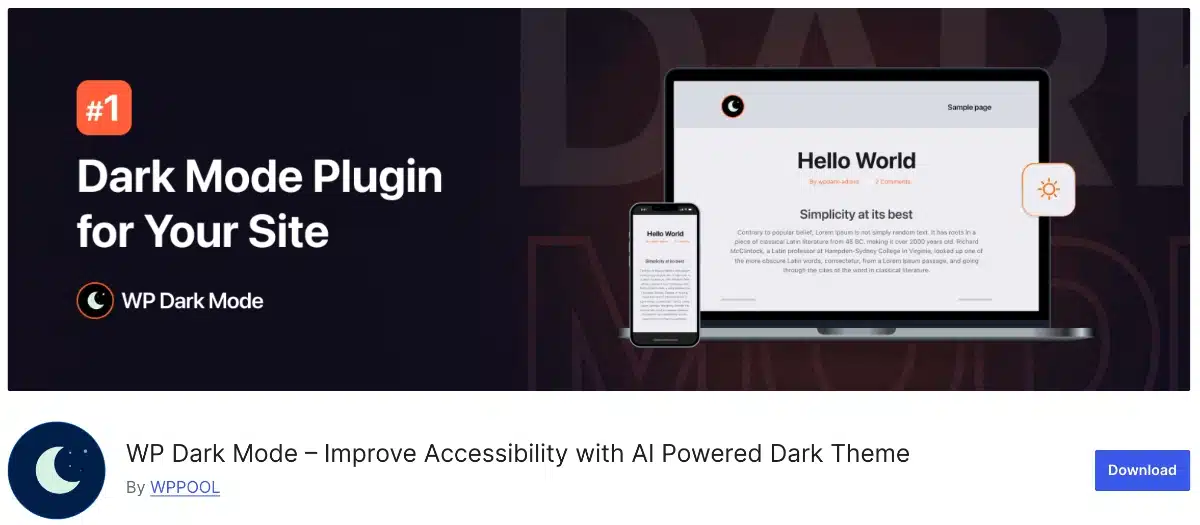
WP Dark Mode, built by WPPOOL, is the plugin most WordPress users already have installed without necessarily noticing — 20,000+ active installs and 389 reviews averaging 4.5 stars, last updated June 24, 2026. If you want the safest, most battle-tested option, this is it.
The free version isn’t a stripped demo. You get a floating toggle switch, OS-based auto-detection, a Gutenberg block plus an Elementor widget, admin dashboard dark mode, two color presets, a keyboard shortcut (Ctrl+Alt+D), image brightness adjustment, and custom CSS support. That’s a genuinely usable free tier.
Compatibility is where it pulls ahead of almost everyone else on this list — the listing claims support for Elementor, Divi, Beaver Builder, Oxygen, SiteOrigin, WPBakery, Spectra, and more, plus themes like Astra, Kadence, GeneratePress, and Blocksy. The paid “Ultimate” tier adds scheduling, 21 switch styles, 13 premium color presets, and an AI-powered color preset generator. WPPOOL doesn’t publish exact Ultimate pricing on the WordPress.org page, so check current pricing directly before budgeting for it.
Where it’s not perfect: with a bigger, more general-purpose codebase than some of the smaller plugins here, some reviewers report the occasional style conflict on heavily customized themes — not surprising given how many builders it tries to support at once. If your site runs a mainstream theme and builder combo, that’s unlikely to bite you.
2. Darkify — Best Support, Smallest Install Base (We Build This One)
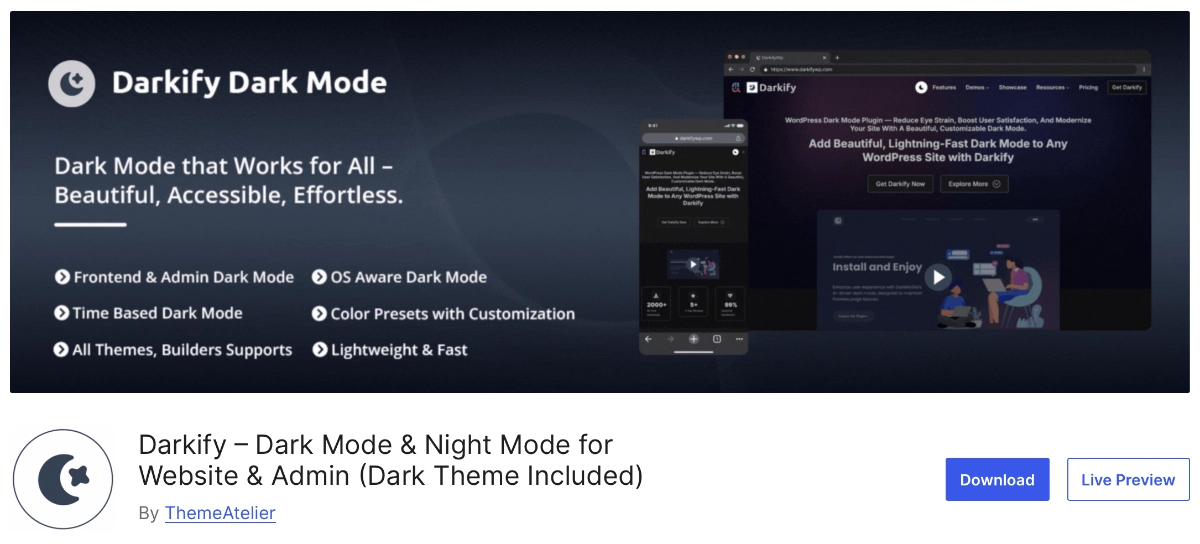
Disclosure: ThemeAtelier develops Darkify. We’re including it because it belongs in this comparison, not because we’re pretending it’s the biggest name in the category — it isn’t. WP Dark Mode has roughly 33x more active installs. What Darkify has instead is a perfect 5.0-star rating across all 18 of its WordPress.org reviews — zero reviews below five stars, which we can point to because it’s a public, verifiable number, not a marketing claim.
The free version includes both frontend and admin dashboard dark mode, OS-aware detection, time-based scheduling, eight color presets, image and video brightness/grayscale control, and WooCommerce compatibility. Page/post-level rules, custom CSS, and the wider switch design library are Pro-only.
Support is the recurring theme in the reviews, and honestly it’s the reason we keep this plugin in active development. Reviewer hawbringer put it simply: “Works great, lots of room for customizability, fast support.” Others echo the same point in their own words — alexcz called the support “unbelievable,” and Jody Mitoma described it as “outstanding.” On the product side, monicahayes summed up the switch-over experience well: a “clean, smooth dark mode that just fits my site.” And angusbreno’s review is the one we think matters most for buyers on a budget — it’s the only plugin, they said, that solved their dark mode problem in the free tier.
Where Darkify isn’t the right fit: if you need proven scale — a plugin with hundreds of reviews and years of edge cases already shaken out on huge, high-traffic sites — WP Dark Mode’s track record is longer, and that matters for some agencies. We’d rather say that plainly than pretend install count doesn’t matter.
3. Darklup — The Feature-Dense Free Tier
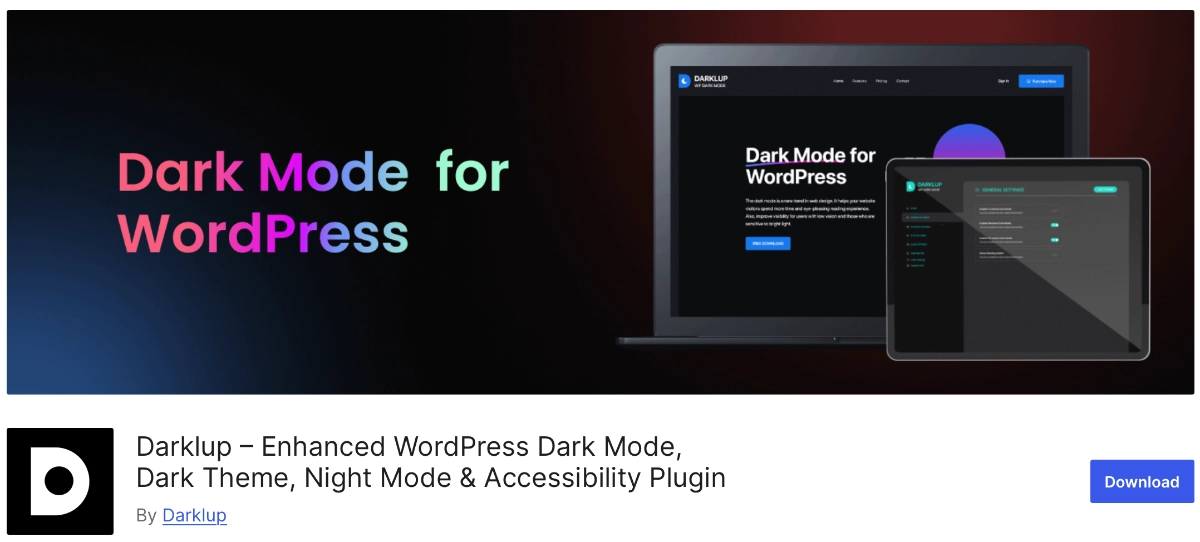
Darklup (listed as “Darklup Lite” on WordPress.org) has 1,000+ active installs and a 4.4-star rating from 42 reviews, last updated in late April 2026. It requires WordPress 6.5 or newer, so it’s not for sites still holding onto an older core version.
What stands out is how much ships free: frontend and backend toggle, OS detection, time-based scheduling, 15+ floating switch styles, WooCommerce support, Elementor and Gutenberg compatibility, and 11 accessibility modules baked in. That accessibility focus is unusual at this price point and worth a look if that’s a priority for your site. Pro adds custom CSS and WooCommerce product/category exclusions — Darklup doesn’t publish pricing on its WordPress.org listing, so confirm current cost on darklup.com before committing.
4. Dark Reader — The Performance-First Dark Mode Plugin
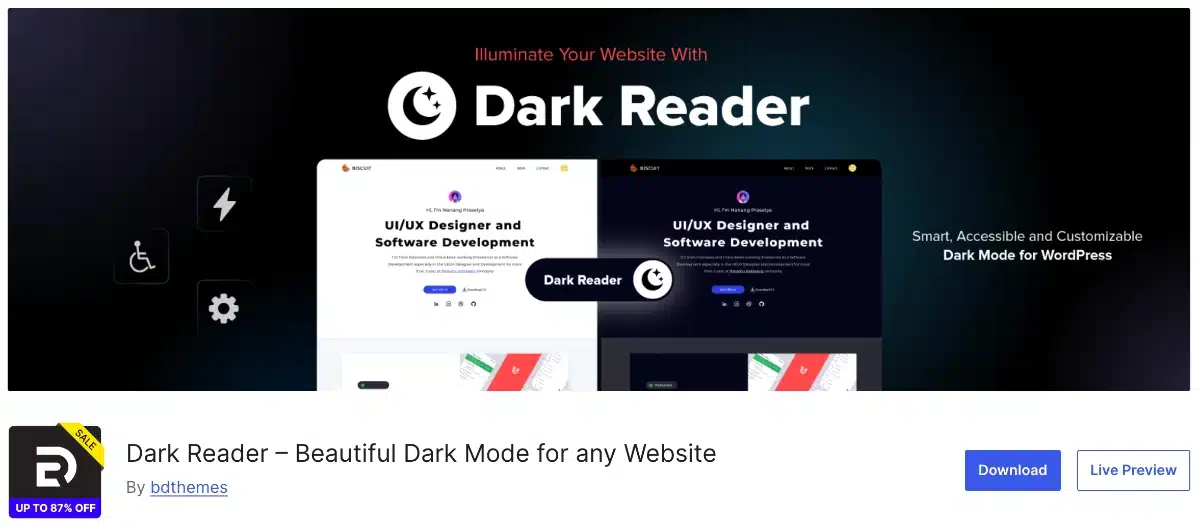
If you care about page speed as much as aesthetics, Dark Reader by BdThemes is worth a serious look. It’s a WordPress dark mode plugin built on a CSS-variable-first approach, meaning there’s barely any JavaScript to slow things down. The deferred script comes in under 4 KB. The free version is live on WordPress.org, currently sitting at version 1.1.5 with a solid 5-star rating.
And it’s not a watered-down free tier either. Right out of the box you get a one-click dark mode toggle, automatic OS-level dark mode detection, adjustable brightness, contrast, sepia and grayscale filters, custom background and text colors and a saved visitor preference (via localStorage, so no cookies or login needed) that sticks across sessions.
What really sets Dark Reader apart from other WordPress dark mode plugins on this list is its accessibility focus. It enforces WCAG 2.1 AA contrast standards, ships with a keyboard shortcut for toggling dark mode and triggers screen reader announcements whenever the mode switches genuinely rare for a plugin in this category. It plays nicely with major themes like Divi, Avada, Astra and GeneratePress without touching your theme files and it even brings dark mode to your WP admin dashboard.
Upgrade to the paid version and you unlock sunrise/sunset scheduling, custom active hours, OLED battery-saving auto-triggers and finer control over navigation menus, video styling and the toggle button design. BdThemes also backs it with a 60-day money-back guarantee, so there’s low risk in trying the pro features.
The one trade-off: Dark Reader doesn’t lean heavily on marketing builder-by-builder compatibility the way some competitors do. It’s positioned more as a lightweight, accessibility-first dark mode solution for WordPress — so if broad page-builder claims matter to you, it’s worth a quick compatibility check first.
5. DarkMySite — Simple and Builder-Friendly
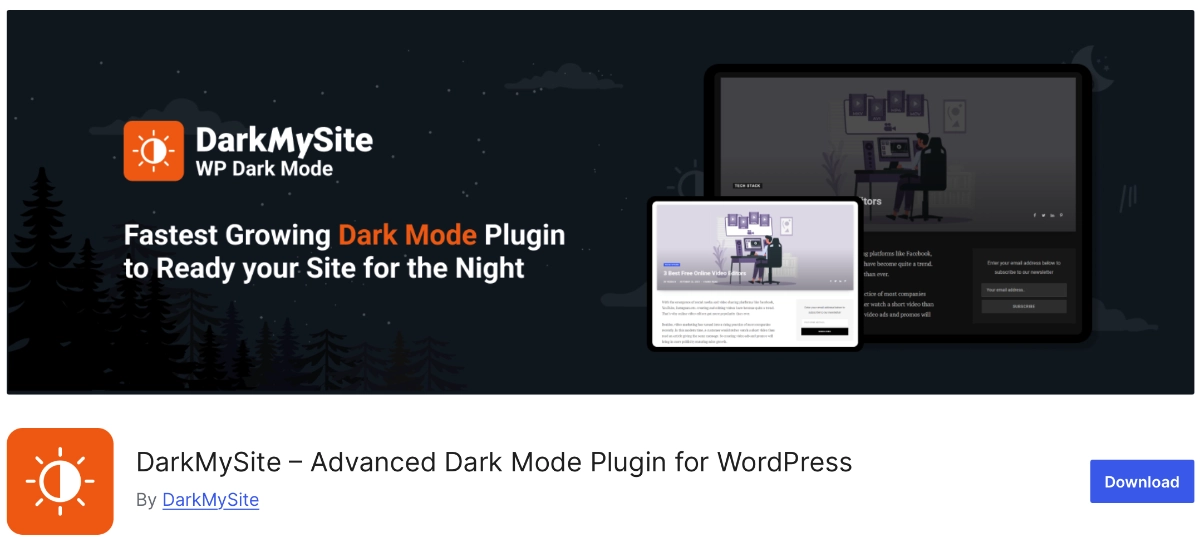
DarkMySite has a smaller review count — 14 reviews — but a strong 4.7-star average, and it was last updated in October 2025. The free version covers frontend dark mode, a customizable floating switch, image and video brightness/grayscale adjustment, a keyboard shortcut, time and OS-based auto-activation, and admin dashboard support alongside compatibility with Divi, WPBakery, Elementor, and Beaver Builder.
It’s a good pick if you want something that just works without a long settings menu to wade through. Pro unlocks more switch designs, draggable positioning, and per-page/post control, though — same caveat as above — exact pricing isn’t listed on the plugin page itself.
6. DarkLooks — Lightweight, Frontend-Only
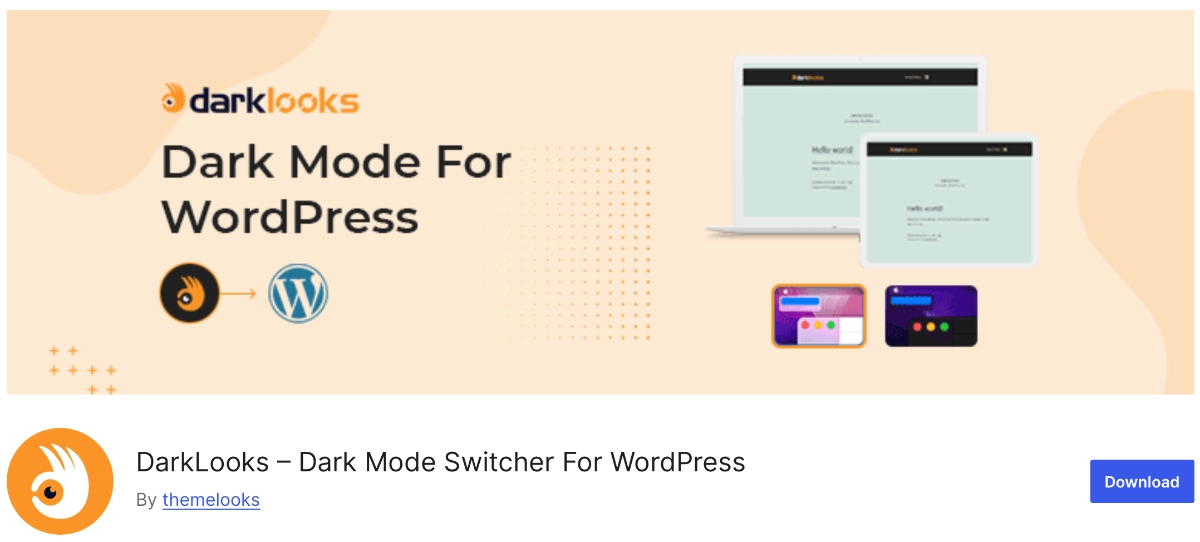
DarkLooks has 900+ installs and the highest review average on this list at 4.8 stars (16 reviews), updated about a month ago. It’s free-only — there’s no premium tier listed at all, which is refreshing if you’re tired of nag screens.
You get a floating switch in five styles, nine-plus custom color options, dark logo/image swapping, brightness control, scheduling, and custom CSS. The catch: its listing doesn’t mention admin dashboard dark mode or explicit page builder compatibility, so if either of those matters to you, this one probably isn’t the fit. It’s built for frontend-only sites that just need a clean visitor-facing toggle.
Best WordPress Admin Dark Mode Plugins
7. Dark Mode for WP Dashboard — The Admin-Only Specialist
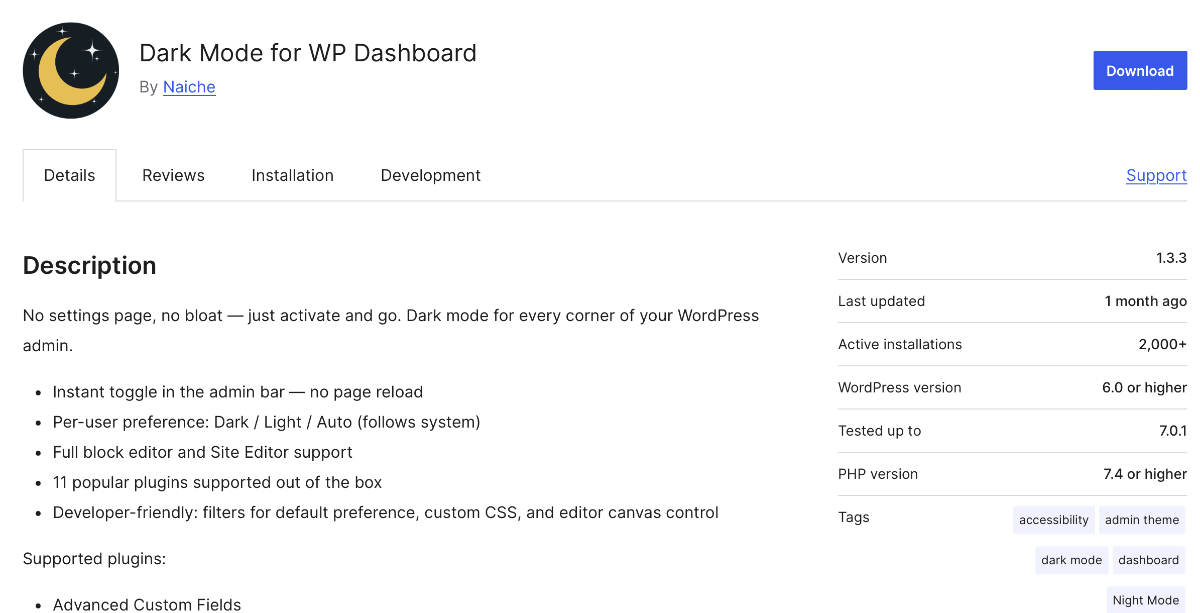
This one’s a different category entirely, and worth calling out on its own. Dark Mode for WP Dashboard doesn’t touch your visitor-facing site at all — it’s built purely for wp-admin. With 2,000+ installs and a 4.9-star rating across 28 reviews (updated about four weeks ago), it’s the highest-rated plugin in this whole roundup.
It’s 100% free with no premium tier — the listing explicitly says “no spammy premium features.” You get an instant admin-bar toggle, per-user light/dark/auto preference, full block editor and Site Editor support, and compatibility with WooCommerce, Yoast, and ACF.
If the whole reason you’re reading this is “the dashboard hurts my eyes at night” and you don’t care what your visitors see, skip the six-way comparison and just install this one. It does one job and does it well.
Free vs. Premium: What You Actually Lose by Staying Free
Across every plugin above, the free-to-paid line lands in roughly the same place: more switch design options, scheduling flexibility, per-page/post rules, and custom CSS controls. None of these plugins gate the core “does dark mode actually work” functionality behind a paywall — that’s the free tier working as intended, not a trial.
Darkify is the one plugin here where we can quote exact numbers with confidence, since it’s ours: Pro starts at $15.60 per site per year (discounted from $39) up to $55.60/year for unlimited sites, or a lifetime license from $35.70 for a single site up to $119.70 unlimited, both backed by a 14-day money-back guarantee. For the others, WP Dark Mode’s Ultimate tier and Darklup and DarkMySite’s Pro tiers don’t list pricing on their WordPress.org pages — check each vendor’s own site for current numbers before you budget.
Our honest take: if you’re a hobby site or a small business blog, most of these free tiers are genuinely enough. Pay when you specifically need scheduling, per-page control, or a switch design that actually matches your brand — not because a plugin nags you into it.
Can You Add Dark Mode Without a Plugin?
Yes, if you’re comfortable with CSS. A basic implementation uses the prefers-color-scheme media query in your theme’s stylesheet to swap colors based on the visitor’s OS setting — no plugin, no JavaScript toggle, no admin settings page.
The tradeoff is real, though. You lose the manual toggle switch most visitors expect, you’ll need to hand-write dark variants for every custom block style and third-party widget, and every theme update risks overwriting your changes unless you’re using a child theme. For a personal portfolio or a developer’s own site, this is a fine, lightweight route. For a client site or anything running WooCommerce, a maintained plugin will save you hours the first time a page builder update breaks your hand-rolled CSS.
How to Choose the Right One for Your Site
Start with what you actually need dark mode for. That one question eliminates most of this list immediately.
- Only want dashboard relief for yourself or your team? Dark Mode for WP Dashboard, free, done.
- Running a heavily customized site on a niche builder? WP Dark Mode’s broad compatibility list gives you the best odds of it working out of the box.
- Want the free tier to genuinely solve the problem without upgrading? Darkify or Darklup both ship a real feature set for $0 — compare their specific free-tier limits against what your site needs.
- Need heavy accessibility tooling built in? Darklup’s 11 accessibility modules are the strongest free offering here.
- Just want a lightweight frontend toggle and nothing else? DarkLooks or DarkMySite, both free-first and simple to set up.
Whichever you pick, test it on a staging copy of your site first. Dark mode plugins touch nearly every element on the page, and the only way to catch a broken contrast ratio on your pricing table is to actually look at it.
Frequently Asked Questions
Will a dark mode plugin slow down my WordPress site?
It can, if the plugin loads a large duplicate stylesheet on every page. Well-built ones use lightweight CSS custom properties instead. Test your site’s load time with a tool like Google PageSpeed Insights before and after activating any dark mode plugin to confirm the impact is negligible.
What’s the difference between frontend and admin dashboard dark mode?
Frontend dark mode changes what your site’s visitors see. Admin dashboard dark mode only changes your own wp-admin screen. Several plugins here, including WP Dark Mode and Darkify, include both free; Dark Mode for WP Dashboard covers only the admin side.
Is a free WordPress dark mode plugin actually good enough?
For most sites, yes. Every plugin in this roundup ships working dark mode functionality free — the paywall sits around scheduling, extra switch designs, and per-page rules, not the core feature. Upgrade only once you hit a specific limitation, not by default.
Which WordPress dark mode plugin has the best support?
Based on verifiable WordPress.org review data, Darkify’s reviewers cite support most consistently among the best WordPress dark mode plugins we found — all 18 of its reviews are five-star, with several naming support response speed directly.
Can I add dark mode without installing a plugin?
Yes, using the prefers-color-scheme CSS media query in a child theme. It’s a solid option for developers comfortable maintaining custom CSS, but you’ll lose the manual toggle and need to update styles yourself as your theme changes.
Does dark mode actually save battery or reduce eye strain?
Only partly. Purdue University found OLED battery savings are minimal at normal brightness (3-9%) and only significant near full brightness (39-47%). The American Academy of Ophthalmology also notes there’s no strong evidence blue light itself damages eyes, though lower contrast can ease strain symptoms.
Final Thoughts
If we had to pick one plugin for a stranger’s site with zero other information, it’d be WP Dark Mode — the install base and review count reflect years of real-world testing across builders and themes. If support quality and a genuinely solved free tier matter more to you than install count, Darkify earns its spot too, and yes, that’s us saying so with our disclosure already on the table.
Either way, don’t install based on star rating alone. Check what your site actually needs — frontend, admin, or both — then match it against the table above.