
7 WordPress Media Plugins That Turn a Static Site Into an Interactive Experience (2026)
Most WordPress sites still greet visitors with a wall of text and a stock header image. That was fine a few years ago. It isn’t anymore.
People decide whether to stay on a page within seconds, and what they see in those seconds matters more than what they read. A welcome video, a working audio player, or a PDF they can actually read without downloading it does more to hold attention than another paragraph ever will.
WordPress gives you the basics for uploading media, but it stops there. It won’t greet a visitor with a video, embed a Word file cleanly, or turn a pile of PDFs into something people can browse. That’s where the right plugins come in.
We picked seven WordPress media plugins that cover the moments that matter most on a media-heavy site: the first impression, the video, the audio, the documents, and the library that ties it all together. Here’s how each one fits, and how to combine them so your site feels less like a stack of files and more like an experience.
Table of Contents
Why Multimedia Matters More Than Ever in 2026
Text still carries most of the information on the web, but it no longer carries most of the engagement. Video watch time keeps climbing every year, podcast listenership keeps growing, and buyers now expect to preview a document before they commit to downloading it.
First impressions happen in seconds
A visitor lands on your homepage and makes a snap judgment before reading a single sentence. A short welcome video or an animated bubble that greets them by name does something a hero image can’t: it feels personal. Sites that use video on landing pages consistently see longer time on page and lower bounce rates than sites that don’t.
A branded player says more than the video itself
Embedding a raw YouTube frame works, but it also hands your visitor’s attention to YouTube’s autoplay suggestions the moment your video ends. A player that matches your site’s colors and stays free of outside distractions keeps people focused on you, not on whatever the algorithm wants to show them next.
Documents are still where decisions get made
Manuals, spec sheets, case studies, and course materials do real work on a site, yet most sites still make visitors download a file just to glance at it. That extra click is where a lot of people give up. Letting them read a document right on the page, without leaving your site, keeps them engaged and keeps them there.
What to Look for in a WordPress Media Plugin
Before we get into the list, here’s what actually separates a plugin worth installing from one that just adds bloat:
- Performance: does it lazy-load media so it doesn’t slow down your whole page?
- Design control: can you match the player or viewer to your brand, or are you stuck with a generic default look?
- Format support: does it handle the file types you actually use, not just the common ones?
- Editor compatibility: does it work cleanly with Gutenberg and page builders like Elementor?
- Free-to-paid ceiling: how much can you do before you hit a paywall, and is the paid tier worth it?
Keep these in mind as we go through each plugin, because the “best” one always depends on what your site needs it to do.
7 Best WordPress Media Plugins for Modern Websites
At-a-Glance Comparison
| Plugin | What It’s For | Free Version | Standout Feature |
| HTML5 Video Player | Self-hosted video embeds | Yes | Playlists, password protection, HLS live streaming |
| Greet Bubble | Video welcome popups | Yes | Per-page video targeting with contact form integration |
| HTML5 Audio Player | Podcast and audio embeds | Yes | Lightweight MP3/OGG player with custom skins |
| Document Embedder | Office file embeds | Yes | 16+ formats via Google Drive Viewer, built-in library module |
| PDF Poster | Dedicated PDF viewer | Yes | Full-screen mode, print controls, content protection (Pro) |
| Document Library | Searchable file library | No | Filterable table for mixed file types |
| Presto Player | Branded video platform | Yes | LMS integration, private hosting, analytics |
1. HTML5 Video Player: the foundation for self-hosted video
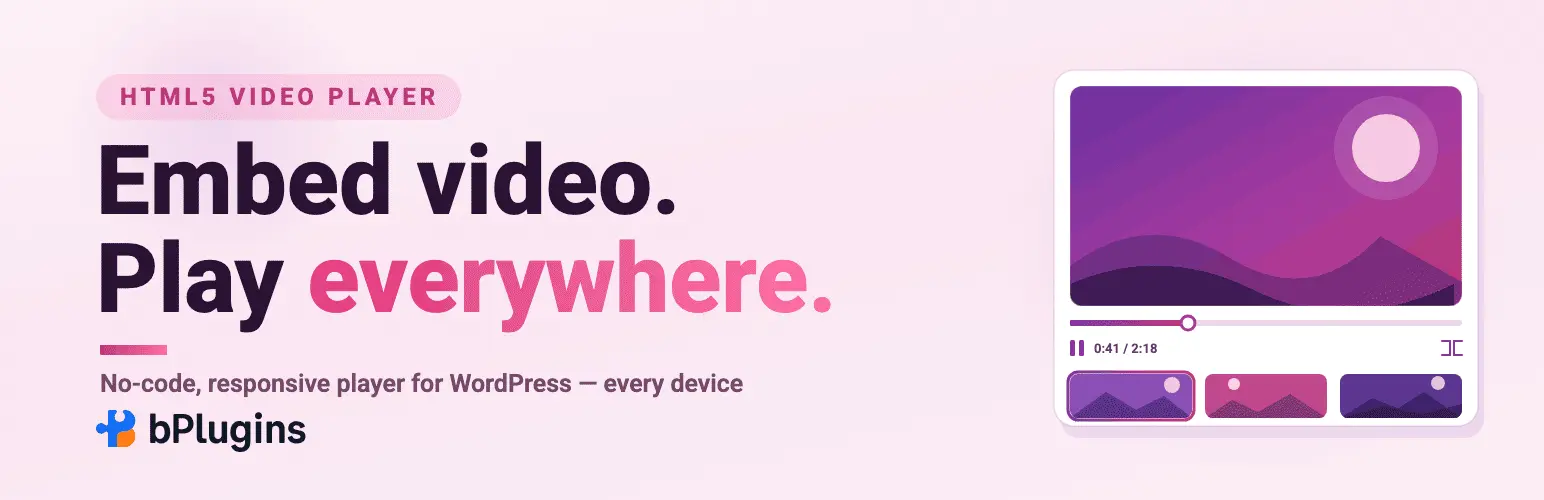
If video sits anywhere on your site, this is where most people start. HTML5 Video Player lets you embed MP4, WebM, and OGG files without routing them through YouTube or Vimeo. You add videos through a Gutenberg block or a shortcode, and the player adjusts to any screen size on its own.
It also handles HLS live streaming, which is unusual for a free plugin at this price point. That matters if you ever plan to stream an event or a webinar directly from your own server instead of a third-party platform.
What stands out:
- Playlists for grouping related videos together
- Password protection for gated content
- Player skins and color controls that match your branding
- Works with self-hosted files or external sources like Amazon S3
Best for: product demos, tutorials, and any site that wants to host video without depending on YouTube.
Worth knowing: the free version covers the basics well, but color customization and some advanced controls live in the Pro tier.
2. Greet Bubble: turning that video into a first impression
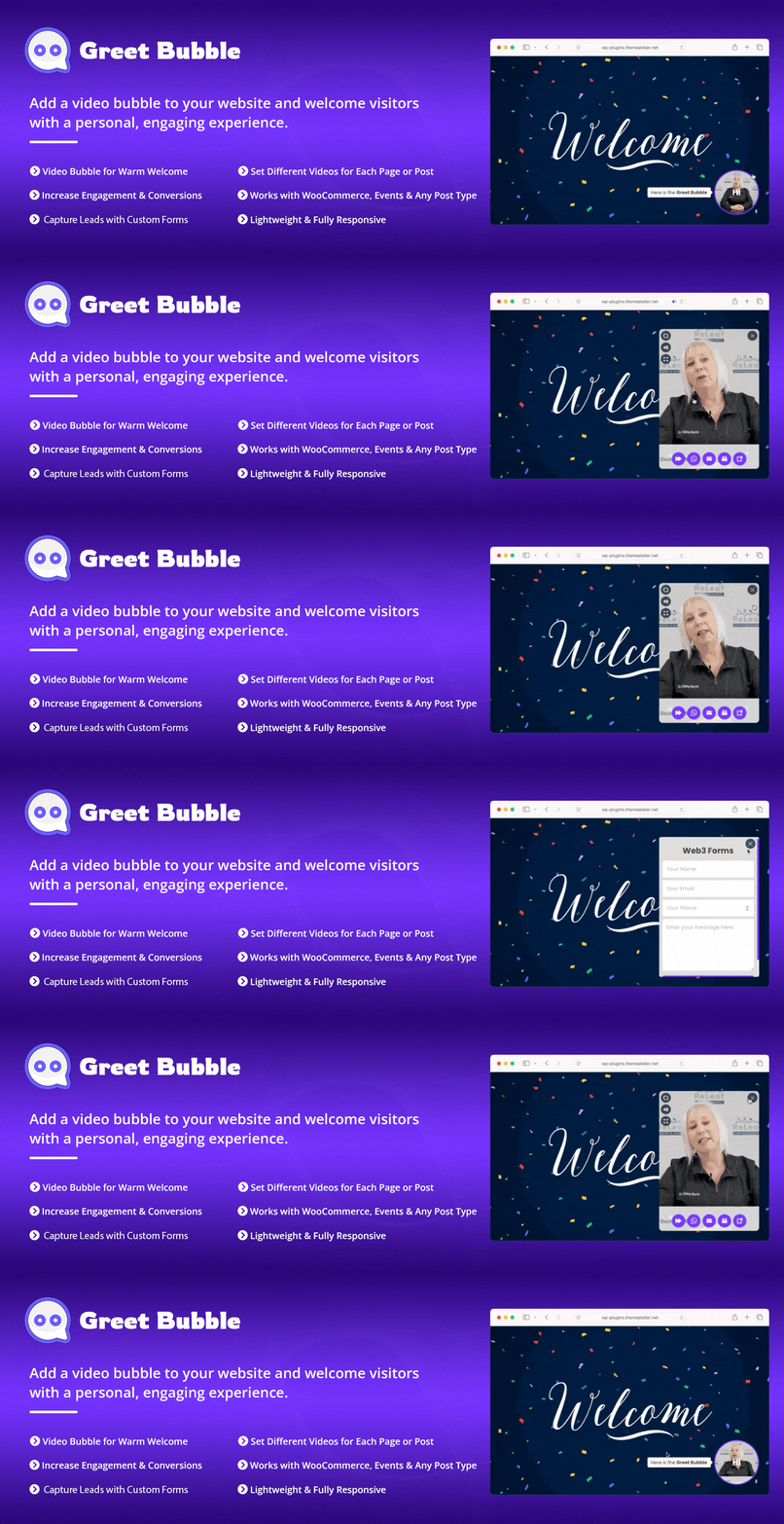
Once you can host video well, the next question is how you use it. Greet Bubble answers that by putting a floating video welcome popup on your site, the kind that pops up in the corner and greets a visitor the moment they land.
You can show a different video for every page, post, product, or event, so a visitor landing on a product page sees a message about that product instead of a generic welcome. The bubble connects to contact forms, including Contact Form 7, Fluent Forms, Gravity Forms, and WhatsApp, so a visitor who wants to reach out can do it without leaving the popup.
What stands out:
- Per-page and per-product video targeting
- Drag-and-drop management for multiple video bubbles
- Built-in contact form and WhatsApp integration
- Customizable position, colors, and animations
Best for: landing pages, product pages, and any site that wants to turn a first visit into a lead instead of a bounce.
Worth knowing: it works alongside your existing video player rather than replacing it. Use HTML5 Video Player for embedded video throughout your content, and Greet Bubble for the moment someone arrives.
3. HTML5 Audio Player: the simplest way to add sound
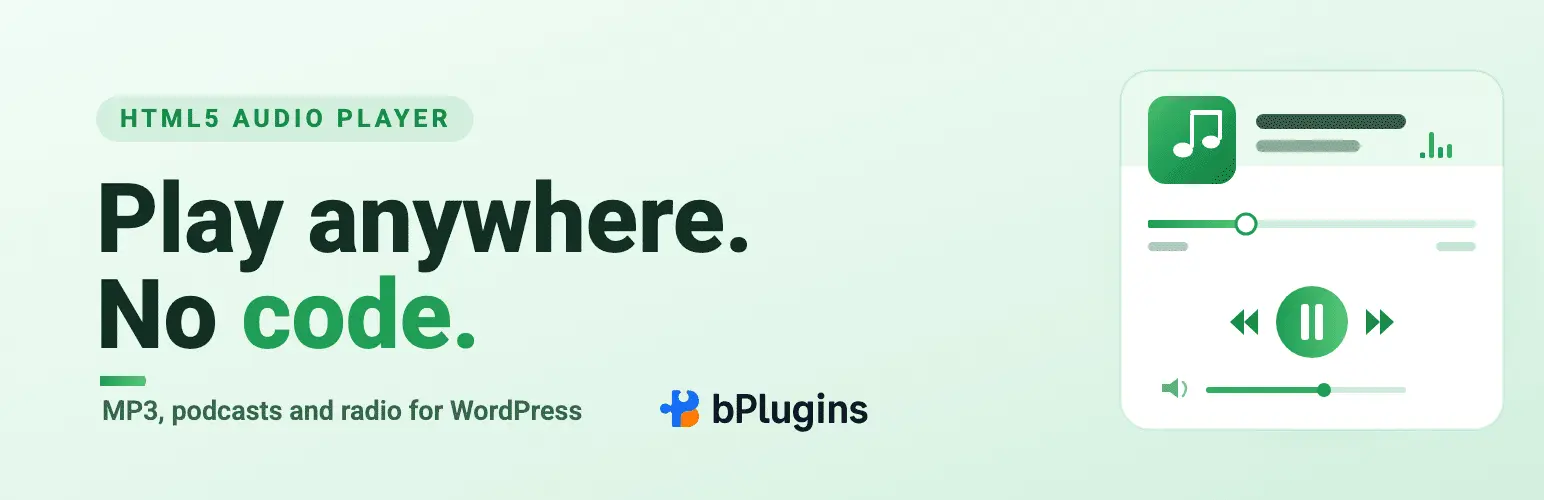
Not every site needs video. Some need audio, and HTML5 Audio Player covers that without extra weight. It plays MP3, WAV, and OGG files through a shortcode or a Gutenberg block, and it works the same way across Chrome, Firefox, Safari, and Edge.
What stands out:
- Multiple player skins with color customization
- Autoplay, loop, and mute controls
- Preview clip option for paid or downloadable audio
- Fully responsive on phones and tablets
Best for: podcast episodes, audio lessons, and music samples embedded in posts or sidebars.
Worth knowing: this plugin handles individual audio embeds well, but it isn’t built to manage a large back catalog of episodes on its own. For that, pair it with a library plugin further down this list.
4. Document Embedder: reading files without downloading them
Manuals, spec sheets, and Office files are some of the most overlooked content on a WordPress site. Document Embedder fixes the usual workaround, which is forcing visitors to download a file just to see what’s in it.
It supports over 16 formats, including Word, Excel, PowerPoint, and images, and it renders everything through Google Drive Viewer for consistent display across browsers. You can pull files from your media library, or connect Google Drive and Dropbox and embed documents directly from the cloud without uploading a second copy.
What stands out:
- 16+ supported file formats
- Google Drive and Dropbox integration
- Gutenberg block and shortcode support
- A built-in library module for organizing multiple documents
Best for: curriculum files, manuals, and any business document you want visitors to read in place.
Worth knowing: the free version already covers embedding. The lightbox popup view and some display controls are Pro features.
5. PDF Poster: a viewer built specifically for PDFs
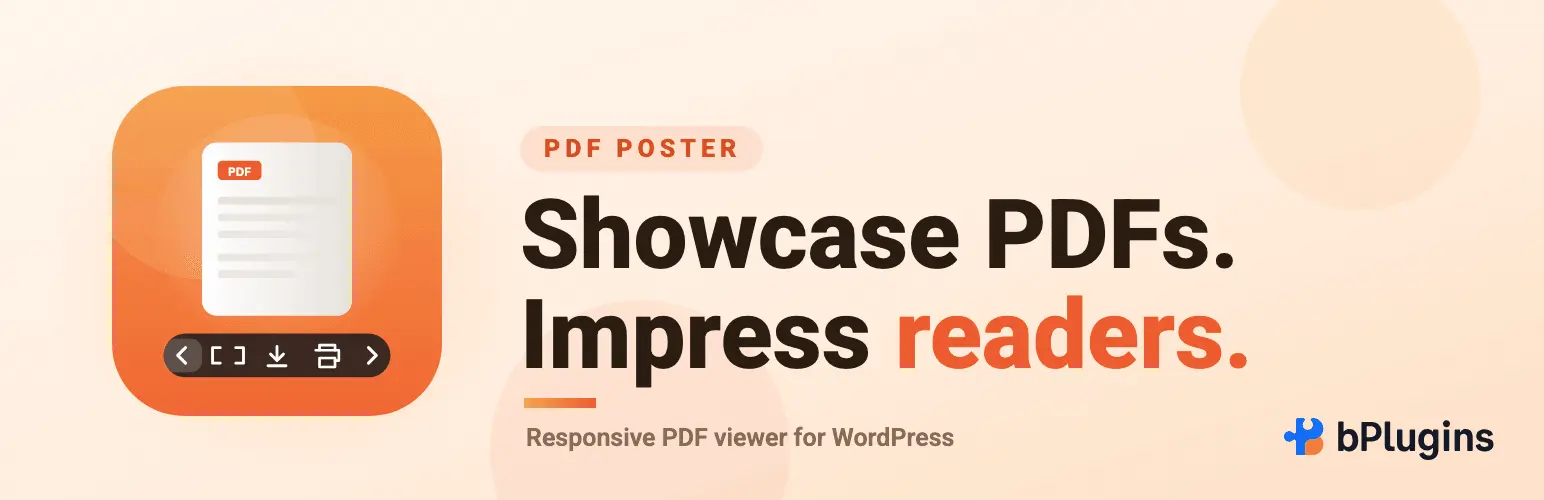
Document Embedder covers Office files well, but PDFs get their own dedicated tool. PDF Poster is built around one job: displaying PDFs cleanly, with full-screen mode, print options, and adjustable dimensions for desktop, tablet, and mobile.
The free version already includes a full-screen button, a download button, and the ability to display the filename above the document. The Pro version adds a raw viewer without toolbars, right-click protection to stop copying, and a flipbook mode that turns a PDF into something closer to reading a physical booklet.
What stands out:
- Full-screen and print controls out of the box
- Responsive sizing across devices
- Content protection in the Pro tier
- A raw viewer option with no frame or toolbar
Best for: eBooks, brochures, white papers, and any PDF-heavy content where presentation matters.
Worth knowing: it’s a PDF specialist, not a general document tool. Pair it with Document Embedder if you also need to display Word or Excel files.
6. Document Library: turning single files into a browsable collection
Embedding files one at a time works until you have more than a handful. Once the count grows, visitors need a way to search and filter rather than scroll. Document Library solves that by displaying documents, video, and audio in a searchable, filterable table instead of a long list.
Files show up with sortable columns for title, date, file type, and a download button, and visitors can narrow results using an AJAX search box or filter dropdowns. It also supports bulk upload through drag-and-drop or CSV import, which matters once your library reaches dozens or hundreds of files.
What stands out:
- AJAX search and filter dropdowns
- Support for any file type, not just documents
- Bulk upload via CSV or drag-and-drop
- Integration with Dropbox, Google Drive, and Office 365
Best for: resource hubs, download centers, and course sites with a large number of files to organize.
Worth knowing: this plugin doesn’t play media itself. Use it as the index, and pair it with a player plugin for the actual playback experience inside each entry.
7. Presto Player: when video becomes the main event
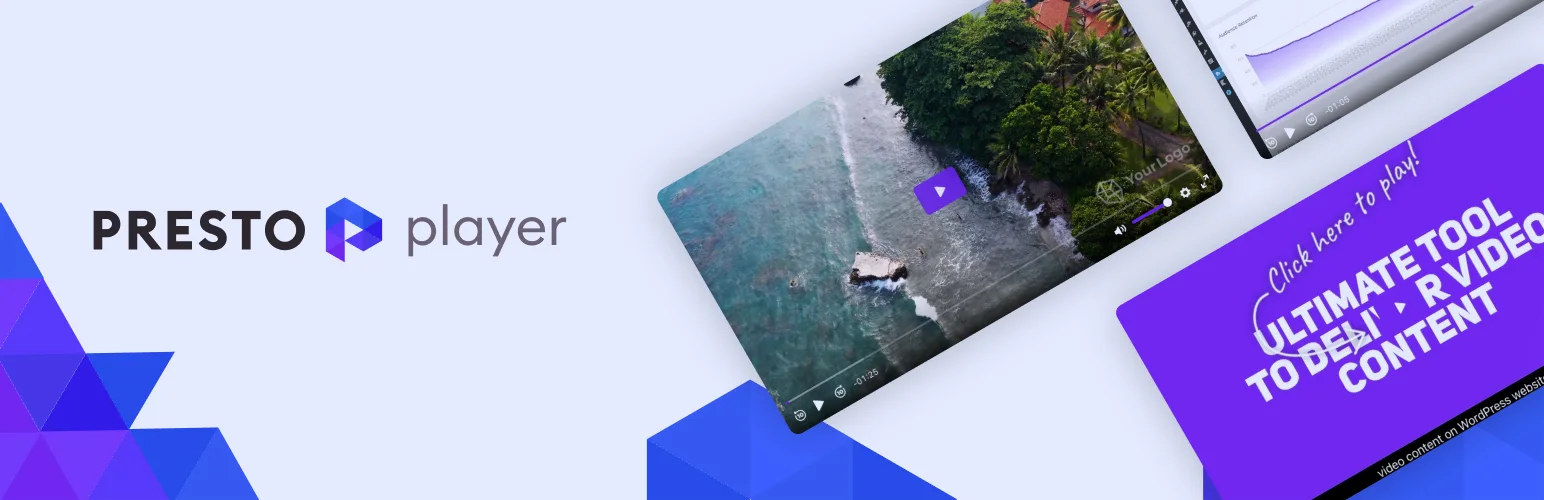
For most sites, video supports the content. For some, video is the content, and that’s where Presto Player fits. It goes beyond basic playback with private video hosting through Bunny.net, LMS integration for platforms like LearnDash, custom branding, and analytics that show how viewers actually watch your videos.
It supports HTML5, YouTube, and Vimeo sources, and it adds features that matter specifically for course creators: progression controls that stop students from skipping ahead, multilingual captions, and HLS adaptive streaming so video quality adjusts to each viewer’s connection.
What stands out:
- Private and public hosting with no ongoing platform fees
- LMS integration including LearnDash video progression
- Viewer analytics and engagement tracking
- Custom branding across the entire player
Best for: course creators, coaches, and membership sites where video sits at the center of the business, not on the side of it.
Worth knowing: most of the depth here lives in the paid version. If you just need simple self-hosted video, HTML5 Video Player covers that without the added cost.
Building Combinations, Not Just Picking One
None of these plugins are meant to carry a whole site on their own. The real value shows up when you pair them for a specific job.
The landing page stack: Greet Bubble to greet visitors on arrival, paired with HTML5 Video Player for any video content further down the page.
The course or membership stack: Presto Player for branded lesson video, Document Library to organize course materials, and PDF Poster for downloadable worksheets and guides.
The documentation stack: Document Embedder for Office files, PDF Poster for PDFs, and Document Library to tie both into one searchable index.
The podcast stack: HTML5 Audio Player for individual episode embeds, and Document Library to archive the full back catalog once it grows past a page or two.
Common Mistakes to Avoid
Relying only on third-party embeds for branded content. A raw YouTube embed pulls in autoplay suggestions and tracking scripts you don’t control. Use a self-hosted player when the video is central to your brand.
Skipping a library once files pile up. A handful of PDFs works fine as individual embeds. Fifty of them without search or filters just frustrates visitors.
Not testing on mobile. These plugins are responsive by design, but layouts still shift depending on your theme. Check playback and document viewing on an actual phone before publishing.
Uploading uncompressed files. A large PDF or an unoptimized video slows down the whole page, no matter how good the plugin is. Compress files before you upload them.
FAQs About WordPress Media Plugins
Do I need all seven plugins?
No. Pick the ones that match what your site actually needs. A blog with a few podcast episodes needs HTML5 Audio Player and maybe a library. A course site needs Presto Player, Document Library, and PDF Poster. Start with the gap you actually have.
Will running multiple media plugins slow down my site?
Not if you choose plugins with lazy loading, which most of the ones on this list include. Media only loads when a visitor scrolls to it, so an unused player or embed further down the page doesn’t cost you anything until someone reaches it.
Where’s the line between free and paid on these plugins?
Most of them are genuinely usable for free. The paid tiers usually add design flexibility, content protection, analytics, or integrations rather than gating core functionality. Start free and upgrade only when you hit a specific limit.
Do these work with Elementor as well as Gutenberg?
Yes, all seven support Gutenberg blocks, and most also work through Elementor widgets or shortcodes, so you’re not locked into one page builder.
Can visitors download the files, or is everything view-only?
That’s your choice. Document Embedder, PDF Poster, and Document Library all let you show or hide the download button, so you can keep files view-only when that matters, like for gated or premium content.
Which Plugin Fits Your Site
If you’re starting from scratch, here’s the short version:
- Want to embed self-hosted video without YouTube? HTML5 Video Player.
- Want to greet visitors with a personal video the moment they land? Greet Bubble.
- Need a simple way to embed a podcast or audio lesson? HTML5 Audio Player.
- Sharing Word, Excel, or PowerPoint files? Document Embedder.
- PDFs are your main content type? PDF Poster.
- Your file count has outgrown a simple list? Document Library.
- Video is the core of your business, not a supporting piece? Presto Player.
Most sites end up using two or three of these together rather than just one. Start with whichever gap costs you the most visitors right now, whether that’s a flat homepage, an unreadable PDF, or a pile of files nobody can search, and build from there.