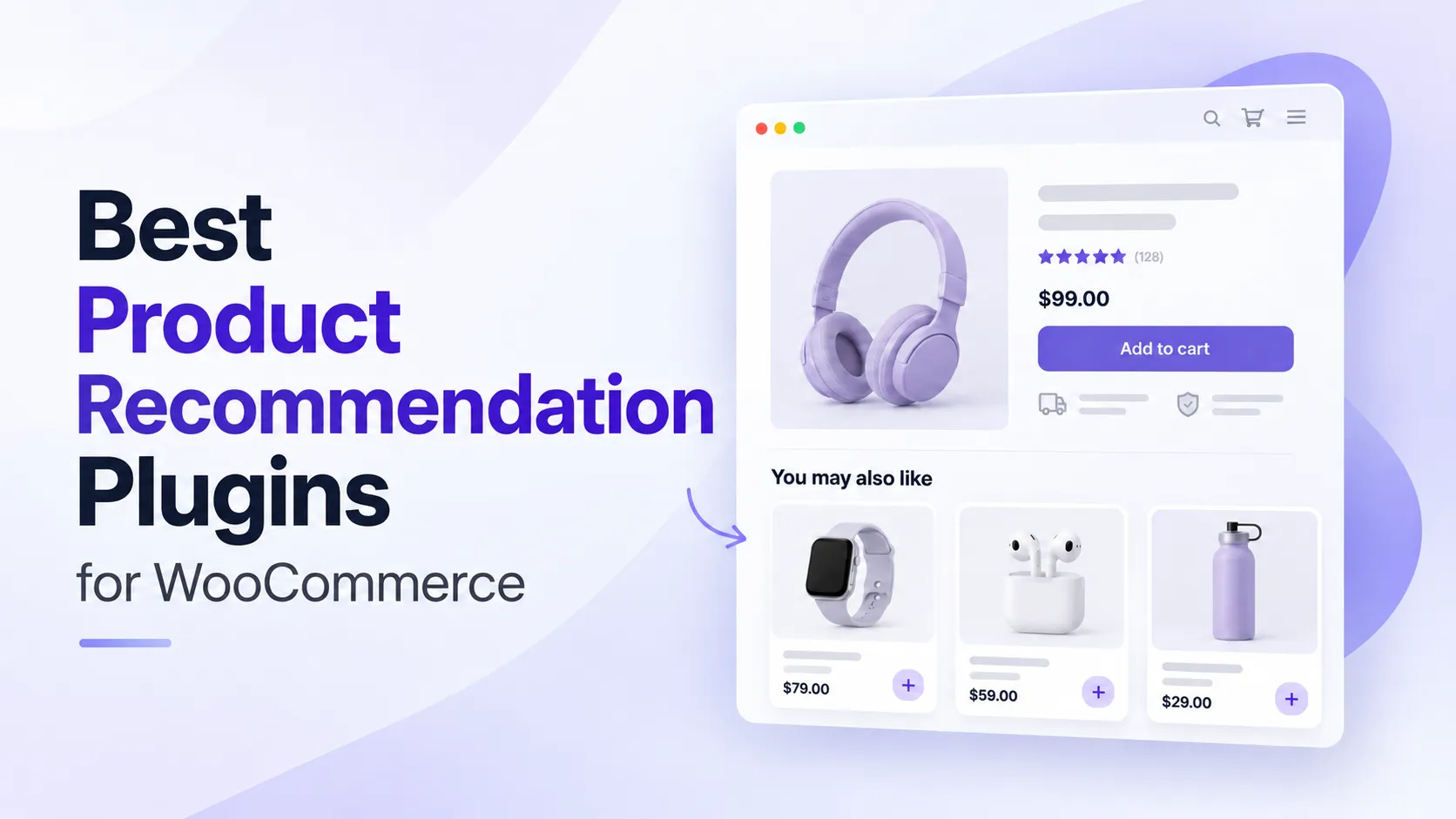

Ever noticed how some online stores seem to know exactly what you are looking for?
You browse a product, and suddenly you see matching accessories, similar alternatives, or items that go perfectly with your selection.
That is what a good product recommendation system can do.
WooCommerce already offers basic related products, upsells, and cross-sells. But things get limiting when you want to recommend products based on customer behavior, shopping history, cart activity, or specific business rules.
And personalization is becoming increasingly important. McKinsey’s research found that 71% of consumers expect personalized interactions, while 76% get frustrated when businesses fail to provide them.
Fortunately, several WooCommerce product recommendation plugins can help you offer more relevant suggestions without building a recommendation system from scratch.
We researched seven plugins, reviewed their available features, and looked at what makes each one useful. Let’s see which solution fits your store best.
Table of Contents
Quick Comparison of the Best Product Recommendation Plugins for WooCommerce
Each recommendation plugin has its own charm.
Some use customer behavior and shopping data to generate recommendations. Others focus on frequently bought together offers, related products, cart suggestions, or interactive product quizzes.
Here is a quick comparison.
| Plugin | Key Features | Best For |
| WowRecommend | AI-assisted rule builder, 32+ filters, customer behavior, smart sorting, popup upsells, order bumps, analytics | All-in-one recommendation plugin with AI rule builder, advanced filters |
| Product Recommendations by Woo | Automated recommendation engines, FBT, filters, amplifiers, 20+ placements, analytics | Official WooCommerce recommendation solution |
| BeRocket Products Suggestions | Cart-based rules, category suggestions, priorities, widgets, shortcodes | Cart-based recommendations |
| WPC Frequently Bought Together | Manually selected FBT products, discounts, quantity controls, adjustable layouts | Frequently bought together offers |
| One Click Upsell Funnel | Post-purchase upsells, order bumps, sales funnels, product-based offers, reporting | Checkout and post-purchase upselling |
| RevenueHunt Quiz Builder | Product quizzes, conditional questions, personalized results, lead capture, integrations | Interactive, quiz-based product recommendations |
Some plugins offer free versions, while others require a paid subscription. We will discuss the important limitations alongside their features.
What Can Product Recommendations Do for WooCommerce Stores?
Product recommendations are not simply about getting customers to buy more.
They can also make shopping easier by helping customers find products that match their needs.
Here are a few practical ways they help.
Help Customers Discover Relevant Products
Imagine someone browsing a wireless gaming keyboard.
Instead of showing random products from your store, you can suggest a compatible mouse, matching wrist rest, or another keyboard with similar features.
These recommendations help customers discover useful products without searching through several categories.
Encourage Larger Orders
Product recommendations can also help increase average order value.
For example, a customer buying a winter jacket may also need a matching beanie, scarf, or gloves. Showing those items together creates an opportunity to add more products to the same order.
Personalize the Shopping Experience
Two customers visiting the same store may have completely different interests.
One may frequently browse sportswear, while another usually looks at formal clothing.
A behavior-based recommendation system can use browsing history, previous purchases, or product interests to show different suggestions to each customer.
Promote Specific Products Strategically
Sometimes, you want recommendations to help reach a specific sales goal.
You may want to highlight new arrivals, promote products from a seasonal collection, prioritize highly rated items, or introduce customers to products with better profit margins.
Rule-based recommendation plugins let you control these decisions instead of relying entirely on automatic product matching.
Recommend Products at Different Buying Stages
Recommendations do not need to appear only on product pages.
You can show alternatives while customers browse, complementary items in the cart, quick add-ons during checkout, and follow-up offers after a purchase.
The important part is matching the offer to the customer’s buying stage.
For example, a premium alternative may be useful on a product page, while a small accessory is usually a more natural checkout recommendation.
Detailed Overview of the Top Product Recommendation Plugins for WooCommerce
Now, let us look at what each plugin offers and where it makes the most sense.
1. WowRecommend – Product Recommendation for WooCommerce
Best for: All-one product recommendation solution with AI-assisted rule creation
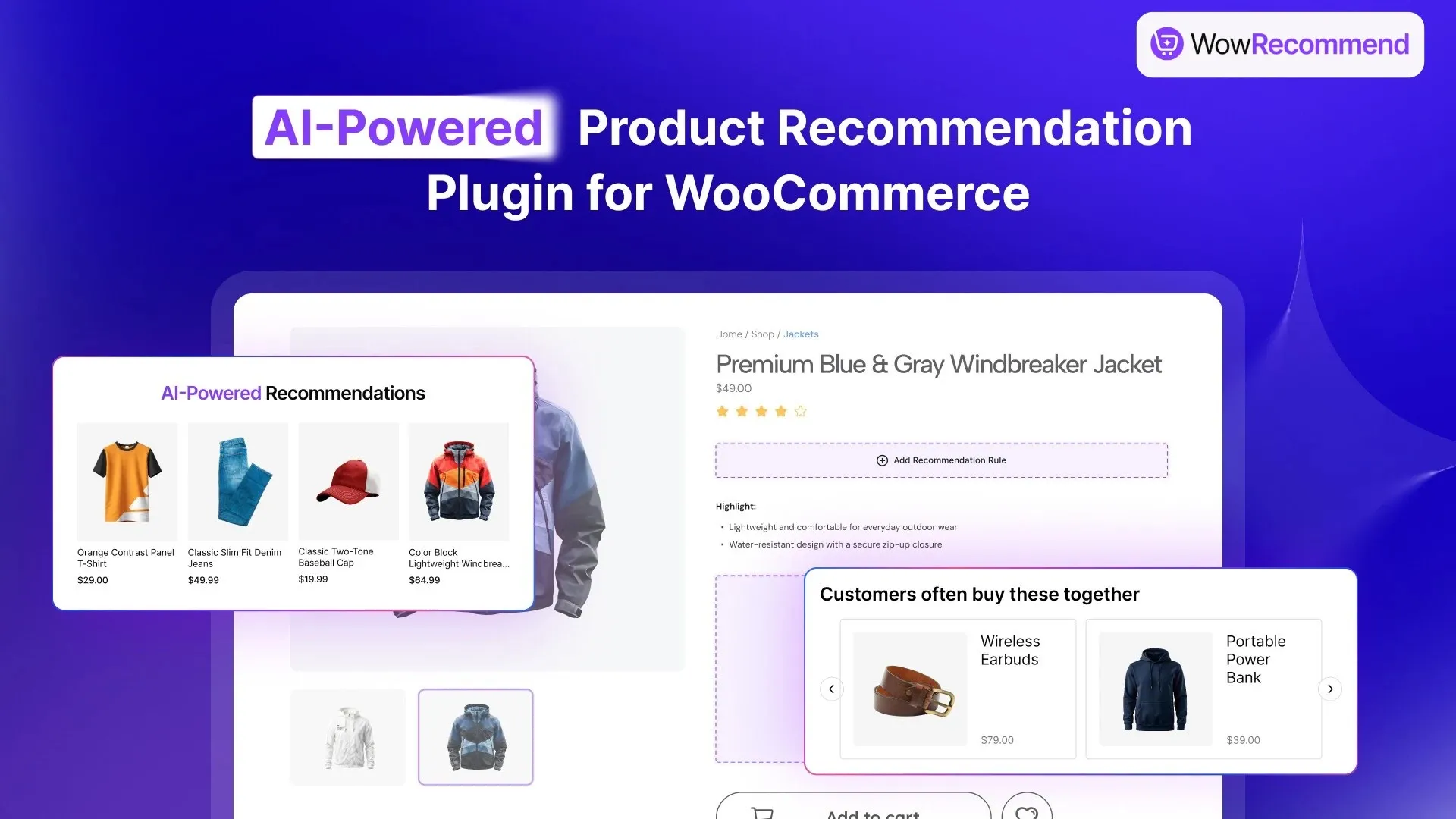
WowRecommend is an AI-powered product recommendation plugin developed by WPXPO.
Instead of focusing on a single recommendation type, it brings together product information, customer behavior, sales performance, and product relationships through more than 32 recommendation filters.
You can build recommendations using a guided rule builder or describe what you want in natural language through AI Recommendation Chat.
The plugin also supports smart sorting, flexible recommendation placements, live previews, popup upsells, checkout order bumps, and revenue analytics.
This makes it particularly useful when you want to create different recommendation strategies without using several separate tools.
What Users Like
- AI-assisted recommendations to let AI help configure the relevant filters and sorting.
- Build recommendations using 32+ filters such as product categories, attributes, pricing, customer behavior, sales performance, and product relationships.
- Use recently viewed products, frequent views, purchase history, and customer interests to make suggestions more relevant.
- Smart sorting such as popularity, ratings, conversion performance, pricing, freshness, etc.
- Display recommendations on product, shop, archive, cart, checkout, and thank-you pages
- Live recommendation preview to see the changes live
- Popup upsells and checkout order bumps to increase conversion
- Analytics to track recommendation-driven orders, conversions and so on
- Use display settings to control how multiple product recommendations appear.
What Can Be Improved
- AI Chat requires connecting a supported AI provider through WordPress’s AI Connectors system.
- Advanced placements, customer-behavior filters, popup upsells, and order bumps require the Pro version.
Our Take
WowRecommend is one of the most interesting options when you want a complete recommendation solution that goes beyond basic related products.
Its biggest advantage is the flexibility to combine several advanced recommendation filters. For example, you can build rules around frequently viewed products, matching categories, product ratings, and stock availability.
On top of that, you can use AI to build the recommendation logic more accurately and faster.
2. WooCommerce Product Recommendations
Best for: Stores wanting an official WooCommerce recommendation extension with advanced merchandising controls
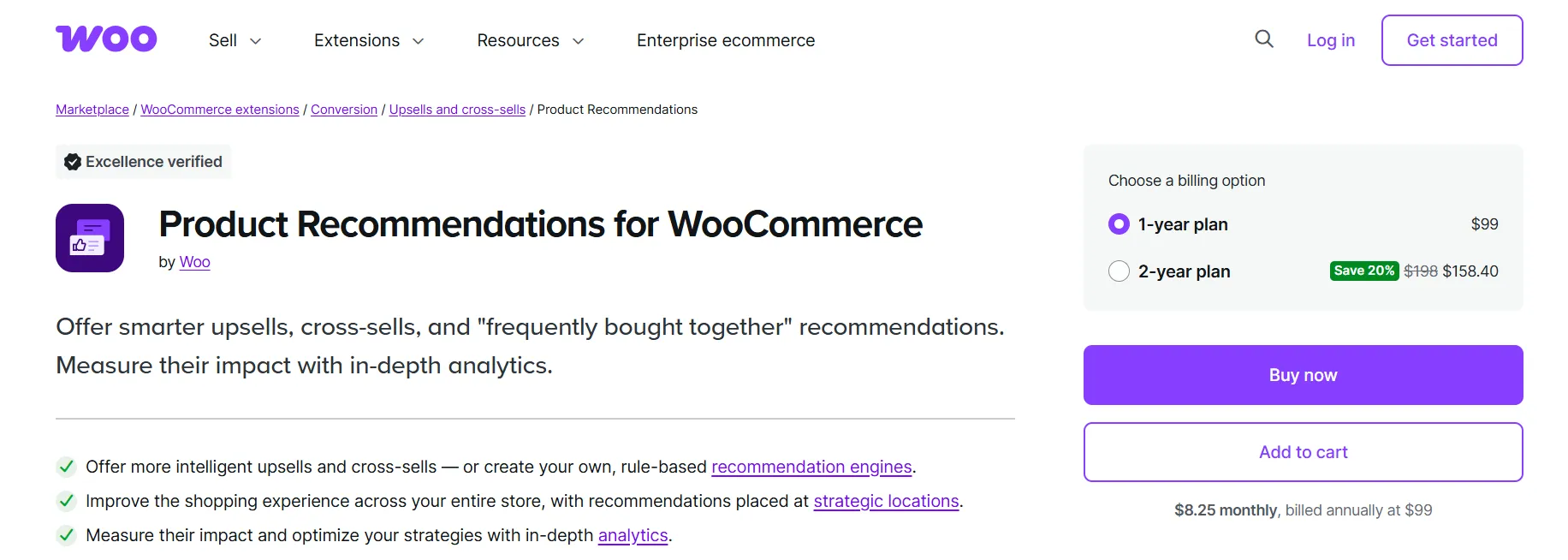
WooCommerce Product Recommendations is an official paid extension developed by Woo.
It combines automated product suggestions with merchant-defined recommendation rules. This means you can use existing shopping data to discover product relationships or create your own merchandising strategies.
One of its strongest features is its ability to analyze order data and automatically identify products that customers frequently purchase together.
It also supports filters, product-ranking amplifiers, conditional visibility, multiple display locations, and detailed recommendation analytics.
What Users Like
- Automatically analyze existing orders to recommend products that customers frequently buy together.
- Build custom recommendations using categories, tags, attributes, pricing, and other product information.
- Smart product ranking based on popularity, ratings, conversion rates, product freshness, and more.
- Display recommendations in shop, product, category, cart, checkout, and order pages.
- Show contextual recommendations based on browsing history, cart contents, order details, date, and location.
- Built-in analytics to track revenue, conversions, and individual recommendation performance.
What Can Be Improved
- Woo explicitly notes that the extension is not yet optimized for block themes, so recommendation engines may not work as expected with some block-based setups.
- The rule-building interface may feel more involved for merchants who only want a few simple related-product suggestions.
- It is a paid extension, currently listed at $99 per year for a single-site plan.
Our Take
WooCommerce Product Recommendations is a strong option for established stores that want to manage recommendations using a rule-based system.
Its automated order-data analysis and detailed analytics are especially useful when you have a growing catalog and enough sales history to identify meaningful product relationships.
The main thing to consider is compatibility. If your store uses a modern block theme, test the extension carefully and check the latest support status before purchasing.
3. Products Suggestions for WooCommerce by BeRocket
Best for: Simple product recommendations based on cart contents
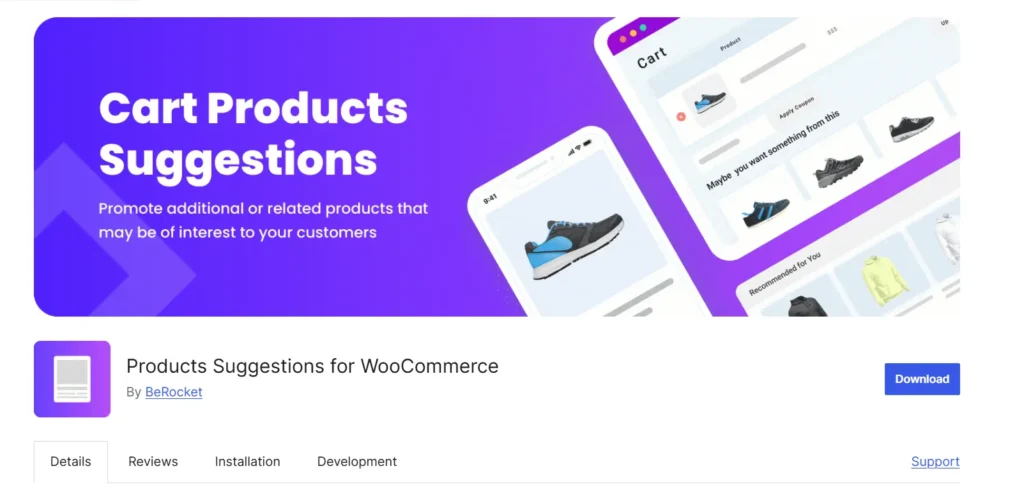
Products Suggestions for WooCommerce by BeRocket takes a much simpler approach.
Instead of analyzing a customer’s entire shopping history, it focuses on the products they already have in their cart.
You can create suggestions based on specific cart products or categories and decide which recommendations should appear when different conditions are met.
The plugin also provides fallback recommendations, rule priorities, widgets, shortcodes, and slider displays.
What Users Like
- Recommend additional products based on specific items customers have already added to their cart.
- Display fallback product suggestions when no specific recommendation rule matches.
- Set recommendation priorities to control which product suggestions appear first.
- Display recommendations around the cart or anywhere using widgets and shortcodes.
- Customize the number of suggested products and display them in different layouts, including sliders.
What Can Be Improved
- The recommendation system primarily depends on cart products and categories rather than customer browsing or purchase history.
- It does not provide the broader personalization features found in dedicated recommendation engines.
Our Take
Not every WooCommerce store needs advanced personalization.
If your main goal is to recommend complementary products based on what customers are already purchasing, BeRocket provides a straightforward way to do it.
For example, a customer adding running shoes can see socks, shoe-care products, or accessories.
The plugin’s narrower feature set can actually be helpful for smaller stores that prefer simple recommendation rules without managing an advanced system.
4. WPC Frequently Bought Together for WooCommerce
Best for: Creating frequently bought together product recommendations
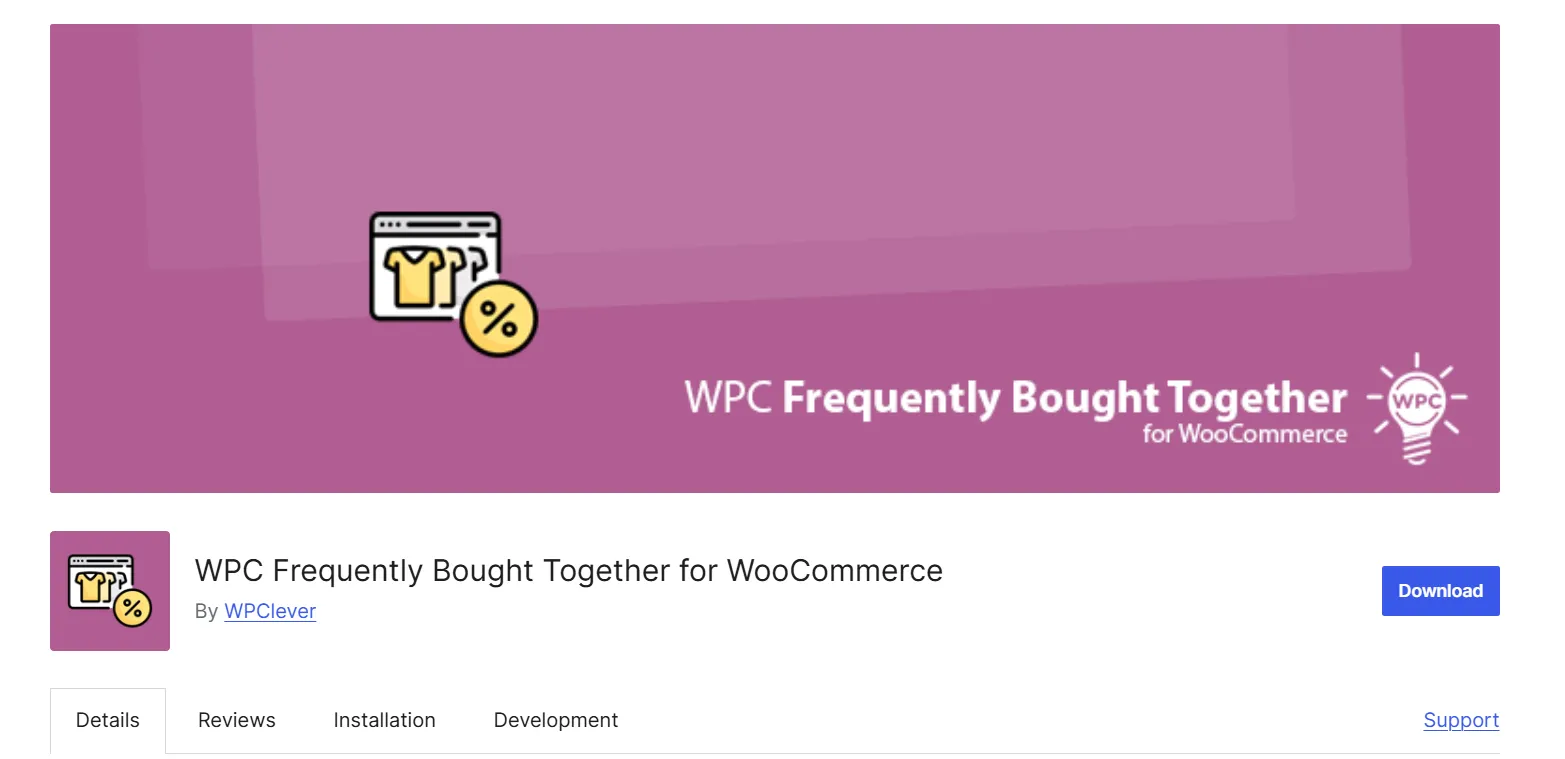
WPC Frequently Bought Together focuses on one familiar recommendation strategy: showing customers products they may want to purchase together.
You can manually select complementary products and display them alongside the main product as a combined offer.
Store owners can also adjust discounts, quantities, product order, and the appearance of the recommendation section.
What Users Like
- Handpick complementary products to recommend alongside a specific WooCommerce product.
- Offer fixed-amount or percentage-based discounts to encourage customers to buy products together.
- Let customers adjust product quantities and set minimum or maximum quantity limits.
- Customize the display of product thumbnails, prices, descriptions, and other details.
- Choose where the frequently bought together section appears on the product page.
What Can Be Improved
- Advanced Smart Rules require the Premium version.
- Adding exact variable products or variations also requires Premium.
- Some WordPress.org reviewers have reported theme compatibility, styling, and support issues.
Our Take
WPC Frequently Bought Together is a practical choice when your main objective is selling complementary products as a group.
For example, someone buying a coffee machine may also want filters, coffee beans, and a reusable mug.
Instead of creating a separate recommendation campaign for each stage of the shopping journey, you can focus on getting the right combinations displayed on product pages.
5. One Click Upsell Funnel for WooCommerce
Best for: Checkout and post-purchase upsell recommendations
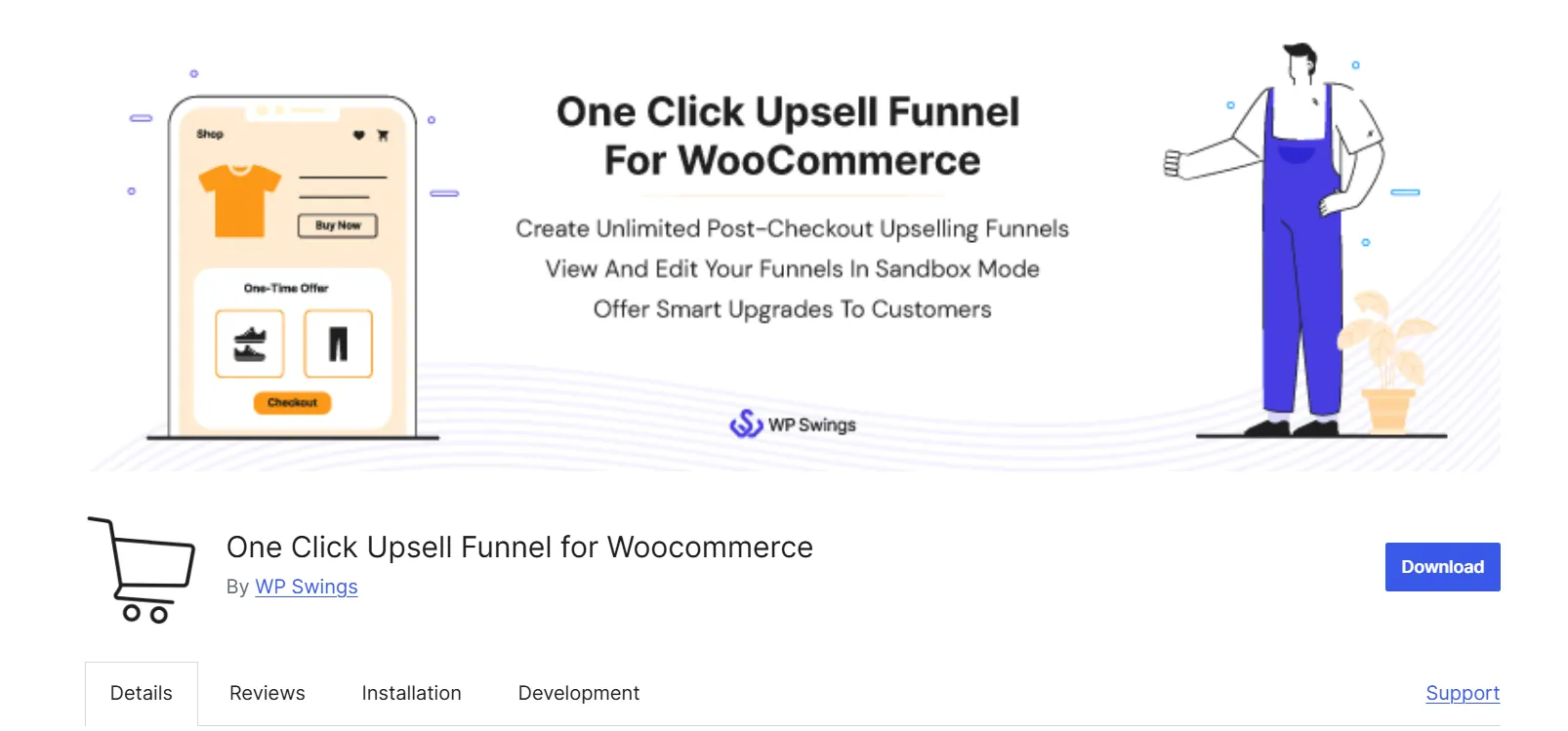
One Click Upsell Funnel by WP Swings approaches product recommendations from a different angle.
Instead of concentrating on products displayed during browsing, it focuses on additional offers around checkout and after a purchase.
You can create upsell and cross-sell funnels, configure order bumps, and present relevant products based on what customers are purchasing.
The plugin also includes funnel reporting, customizable offer pages, and testing options.
Its WordPress.org listing notes that One Click Upsell and Order Bump functionality have been merged into the broader Upsell Funnel Builder offering.
What Users Like
- Show relevant product recommendations after customers complete their initial purchase.
- Let customers accept additional upsell offers with one click
- Display complementary products as order bumps during checkout.
- Create multiple sales funnels with offers based on products, categories, and targeting conditions.
- Customize upsell offer pages using supported page builders and shortcodes.
- Test funnel behavior in sandbox mode before showing offers to customers.
What Can Be Improved
- Its primary focus is sales funnels rather than personalized product discovery during browsing.
- Payment-gateway compatibility matters for one-click post-purchase offers. The free version documents Stripe support, so other gateway requirements should be checked carefully.
- Some reviewers have reported plugin conflicts, funnel-triggering issues, and difficulties with support.
Our Take
One Click Upsell Funnel makes sense if your biggest opportunity comes near or after checkout.
For example, a customer purchasing a laptop may see an extended protection plan or compatible accessory after placing the order.
That is a different strategy from showing similar laptops while the customer is still deciding what to buy.
If you mainly want product-page recommendations, another plugin on this list will probably be a better fit.
6. RevenueHunt Quiz Builder for WooCommerce
Best for: Personalized product recommendations through interactive quizzes
RevenueHunt Quiz Builder takes a different approach to recommending products.
Instead of only using browsing behavior or existing product relationships, it asks customers questions to understand what they actually need.
For example, a skincare store can ask customers about their skin type, primary concerns, and preferred product characteristics.
Based on the answers, the quiz can suggest relevant products and guide customers toward a more suitable purchase.
RevenueHunt also includes quiz customization, conditional questions, lead capture, integrations, and analytics.
What Users Like
- Guide customers through interactive quizzes to recommend products based on their needs.
- Show conditional follow-up questions based on customers’ previous answers.
- Display personalized product recommendations and tailored messages based on customer preferences.
- Show recommendation quizzes within pages, popups, or other supported layouts.
- Track quiz responses, customer preferences, and recommended products with built-in analytics.
What Can Be Improved
- RevenueHunt relies on an external service rather than running the complete recommendation system locally on your WordPress site.
- The free plan is limited to 100 quiz responses per month. Paid plans are available for higher response volumes and additional integrations.
- It is designed for guided selling, not automatic related-product sections or cart-based recommendation engines.
Our Take
RevenueHunt is particularly useful when customers need help deciding which product is right for them.
Think about skincare, supplements, home appliances, fitness equipment, or products with several technical specifications.
Instead of asking customers to compare dozens of product pages, you can guide them through a few relevant questions.
How to Create More Relevant Product Recommendations in WooCommerce
Choosing a recommendation plugin is only the first part.
The real challenge is deciding which products to recommend and why those recommendations would make sense to customers.
Here are a few practical strategies you can use.
Start With the Product Customers Are Viewing
The easiest approach is recommending products based on the current product.
For example, if someone is looking at a DSLR camera, recommending a compatible lens or memory card is more useful than showing random electronics.
You can create these relationships using categories, tags, attributes, or manually selected products.
Use Browsing and Purchase History
When your recommendation plugin supports behavior-based targeting, you can make the suggestions more personal.
A customer who frequently looks at running shoes may be interested in similar products, matching socks, or other running accessories.
A returning customer who previously bought a coffee machine may benefit from recommendations for compatible filters or coffee beans.
The important part is combining useful customer signals with sensible product relationships.
Combine Recommendation Rules
More advanced recommendation systems let you combine multiple conditions to narrow down which products appear.
Here are some practical combinations:
| Recommendation Logic | What It Does |
| Recently Viewed + In Stock | Reminds customers about products they considered that are still available |
| Previous Purchase Category + Best Sellers | Suggests popular items from categories the customer previously purchased |
| Frequently Viewed + Matching Attributes | Recommends products sharing characteristics with items the customer repeatedly explores |
| Cart Products + Complementary Category | Shows relevant accessories based on current cart contents |
| Customer Interests + Higher Ratings | Prioritizes well-reviewed products aligned with customer preferences |
Not every plugin supports every combination. These are examples of the types of rules you can create with sufficiently advanced recommendation filters.
The goal is not to add as many conditions as possible. It is to find a useful signal and turn it into a relevant product suggestion.
Adjust Recommendations for Different Store Pages
Where you display a recommendation is just as important as what you recommend.
On product pages, focus on related products, alternatives, and complementary items.
In the cart, suggest items that naturally complete the purchase. During checkout, simpler and lower-priced additions may work better because customers are already close to completing their orders.
After checkout, follow-up offers should complement what the customer has just purchased.
Track What Customers Actually Click and Buy
A recommendation that looks relevant does not necessarily generate sales.
Check if your plugin shows analytics, monitor recommendation impressions, clicks, conversions, and attributed revenue.
For example, you may discover that a frequently bought together section receives plenty of clicks but few purchases.
That can mean the recommended products are not complementary enough, the combined price is unappealing, or the offer appears at the wrong stage.
Use those results to improve your recommendation rules rather than leaving every campaign unchanged.
Which WooCommerce Product Recommendation Plugin Should You Choose?
The right choice depends on which problem you want to solve.
Choose WowRecommend if you want an all-in-one advanced product recommendation plugin with AI-assisted configuration, behavioral targeting, smart sorting, and multiple recommendation types. Keep in mind that its WordPress.org listing is temporarily closed, so verify availability first.
Choose WooCommerce Product Recommendations if you prefer an official paid extension with automated recommendations, detailed merchandising rules, and recommendation analytics.
Choose Products Suggestions for WooCommerce by BeRocket if you mainly need straightforward cart-based suggestions.
Choose WPC Frequently Bought Together if your focus is recommending complementary products as coordinated offers.
Choose One Click Upsell Funnel if you want to show offers during checkout or after a customer completes a purchase.
Choose RevenueHunt Quiz Builder if your customers need help finding suitable products through interactive questions.
For most stores, there is no need to activate every recommendation type immediately.
Start with the one that fits how your customers shop. Test the results, improve the product selection, and expand your recommendation strategy from there.
FAQ About WooCommerce Product Recommendation Plugins
Does WooCommerce Have Product Recommendations by Default?
Yes. WooCommerce automatically generates related products using shared categories and tags.
It also lets you manually assign upsells and cross-sells through the Linked Products settings.
However, advanced recommendation filters, personalized rules, multiple placements, and detailed analytics generally require additional plugins.
What Is the Difference Between Related Products and Product Recommendations?
Related products are one type of product recommendation.
WooCommerce typically generates related products using shared categories and tags.
Product recommendations can include much more, such as personalized suggestions, frequently bought together products, upsells, cross-sells, recently viewed items, cart offers, and post-purchase recommendations.
Can I Create Product Recommendations for Free?
Yes. Several plugins on this list offer free versions such as WowRecommend and WPC Frequently Bought Together, that lets you create product recommendations without any cost. But advanced features will require upgrading to the pro version.
Can WooCommerce Product Recommendations Be Personalized?
Yes, with a plugin that supports personalization. You can use information such as recently viewed products, purchase history, product interests, cart contents, and other customer activity to generate more relevant suggestions.
Quiz-based recommendations offer another approach by using answers that customers provide directly.
Can AI Create WooCommerce Product Recommendations?
Yes, some plugins provide AI-assisted recommendation features.
For example, WowRecommend documents an AI Recommendation Chat that can turn natural-language instructions into structured recommendation rules.
You still need to review the suggested configuration and ensure the recommendation logic makes sense for your products.
Where Should I Display Product Recommendations?
Product pages are useful for related products, alternatives, and frequently bought together offers.
Cart pages work well for complementary items, while checkout is better suited to simple add-ons and order bumps.
Thank-you pages and post-purchase funnels can introduce follow-up offers after an order is completed.
Summing Up
Product recommendations work best when they help customers make better purchasing decisions.
That may mean showing a relevant alternative, reminding someone about a previously viewed product, suggesting a compatible accessory, or helping customers choose the right item through a quiz.
The seven plugins discussed here approach those problems in different ways.
If you need advanced personalization, start by comparing the broader recommendation engines. If your goal is more specific, a focused plugin for related products, cart suggestions, or frequently bought together offers may be enough.
Whatever solution you choose, focus on relevance first.
A few well-placed recommendations that genuinely help customers will usually be more useful than filling every page with unrelated product suggestions.