
Best WordPress plugins are what turn a basic WordPress installation into a powerful, flexible website. From handling forms and eCommerce to improving performance, security, and user experience, plugins are the backbone of how WordPress sites function and scale in the real world.
The challenge is choice.
With thousands of plugins available in the WordPress ecosystem—and countless “top plugin” lists online—it’s easy to feel overwhelmed. Different sites recommend different tools, often without context, testing, or clarity about who a plugin is actually best for.
That’s where this guide comes in.
This is not a random list of popular tools. It’s a curated, category-based guide to the best WordPress plugins in 2026, organized by how they’re actually used. The goal is to help you quickly identify the right plugins based on your site’s needs, not chase every trending recommendation.
This list includes:
- Core functionality plugins that handle essential features like forms and communication
- Business-critical plugins for eCommerce, lead generation, and growth
- Performance and UX tools that improve speed, usability, and visitor experience
To make this guide easier to navigate—and more useful long-term—we use a pillar + category approach. This page serves as the central hub, while each plugin category links to a dedicated, in-depth guide. That way, you can get a high-level overview here or dive deeper into specific tools when you need more detail.
Whether you’re launching a new site or refining an existing one, this guide is designed to help you build a smarter, more efficient WordPress plugin stack—without the noise.
Table of Contents
What Makes a WordPress Plugin “Essential”?
Not all plugins deserve a permanent place on your site. An essential WordPress plugin isn’t defined by how popular it is—it’s defined by how well it supports your site’s performance, security, and long-term growth.
Before adding any plugin, it’s worth understanding what actually makes one “essential.”
Performance Impact
Every plugin adds code to your website. Well-built plugins are optimized and lightweight, while poorly built ones can slow down page load times or conflict with other tools. Essential plugins are designed to deliver functionality without sacrificing speed or stability.
Security & Maintenance
Plugins can strengthen your site—or expose it. Actively maintained plugins with a strong track record help reduce security risks and stay compatible with new WordPress releases. An essential plugin is one that receives regular updates and responds quickly to vulnerabilities.
Compatibility with Themes and Page Builders
WordPress sites rely on themes and builders like Elementor, Gutenberg, or WooCommerce. Essential plugins work seamlessly with modern themes and popular builders, avoiding layout issues, broken styles, or unexpected behavior.
Update Frequency & Support
A plugin that hasn’t been updated in months (or years) is a red flag. Essential plugins are backed by active development, clear documentation, and reliable support—whether through forums, tickets, or professional services.
Free vs Paid Value
Free plugins can be powerful, but limitations often appear as your site grows. Paid plugins usually offer advanced features, better support, and long-term reliability. An essential plugin provides clear value at its price point, whether it’s free or premium.
Scalability as Your Site Grows
What works for a small blog may not work for a growing business or online store. Essential plugins scale with your needs—supporting more traffic, more data, and more complex workflows without forcing you to rebuild your site later.
Not every site needs dozens of plugins — it needs the right ones.
The goal isn’t to install as many plugins as possible. It’s to choose tools that work well together, perform reliably, and support your website as it evolves.
How We Chose the Best WordPress Plugins
With thousands of plugins available, “best” can be a subjective label. To keep this guide practical and reliable, we evaluated plugins based on how they perform in real WordPress websites, not just feature lists or popularity metrics. Each plugin included here was assessed using the following criteria:
Ease of Use
An essential plugin should be approachable for its intended audience. We looked at setup experience, interface clarity, documentation, and how quickly users can get real value without advanced technical knowledge.
Features vs Bloat
More features aren’t always better. Plugins that try to do everything often add unnecessary complexity or performance overhead. We prioritized plugins that focus on clear, well-executed functionality instead of bloated feature sets.
Performance Impact
Plugins should enhance your site, not slow it down. We considered how efficiently each plugin loads assets, handles background processes, and scales under real-world traffic conditions.
Integrations
Modern WordPress sites rely on multiple tools working together. We favored plugins that integrate cleanly with popular platforms such as WooCommerce, page builders, email services, CRMs, and automation tools.
Community Adoption
A strong user base often signals reliability. Active installations, community feedback, and ongoing discussion help indicate whether a plugin is trusted and widely used across different types of sites.
Real-World Use Cases
We focused on plugins that solve practical problems for site owners—whether that’s collecting leads, selling products, improving performance, or enhancing user experience.
Long-Term Viability
WordPress evolves quickly. Plugins that are actively developed, well-documented, and supported over time are far more valuable than tools that look good today but disappear tomorrow.
Some plugins mentioned are developed by ThemeAtelier and are clearly labeled where applicable.
This approach ensures the recommendations in this guide are based on usefulness, reliability, and long-term value—not sponsorships or trends.
Here’s a clean, skimmable Section 4 that works as a navigation hub and strengthens your internal linking strategy. This is publish-ready.
Best WordPress Plugins by Category (Quick Overview)
WordPress plugins serve very different purposes, which is why choosing tools by category is far more effective than relying on a single “top plugins” list. This quick overview highlights the most important plugin categories and points you to deeper, dedicated guides where you can explore each option in detail.
Use this section as a starting point—then dive into the categories most relevant to your site.
| Category | Recommended Plugin(s) | Link |
|---|---|---|
| Forms | WPForms, Gravity Forms | Link to Best WordPress Form Plugin |
| WooCommerce | WooCommerce core + add-ons | Link to Best WooCommerce Plugins |
| Chat & Messaging | ChatHelp | Link to Chat & Messaging section |
| Deals & Value | Lifetime Deals plugins | Link to Best WordPress Lifetime Deals |
Each category above links to a focused guide that breaks down features, use cases, and trade-offs—so you can make informed decisions without wading through unnecessary tools.
In the sections that follow, we’ll briefly highlight the best plugins in each category and explain when—and why—you might need them.
Best WordPress Plugins by Category
This section highlights some of the best WordPress plugins by category, grouped by how they’re most commonly used. Instead of ranking everything in a single list, we focus on practical recommendations that fit real-world needs.
Best WordPress Plugins For Forms
Forms are essential for contact pages, lead capture, feedback, registrations, and even payments. A good form plugin should balance ease of use with flexibility and performance.
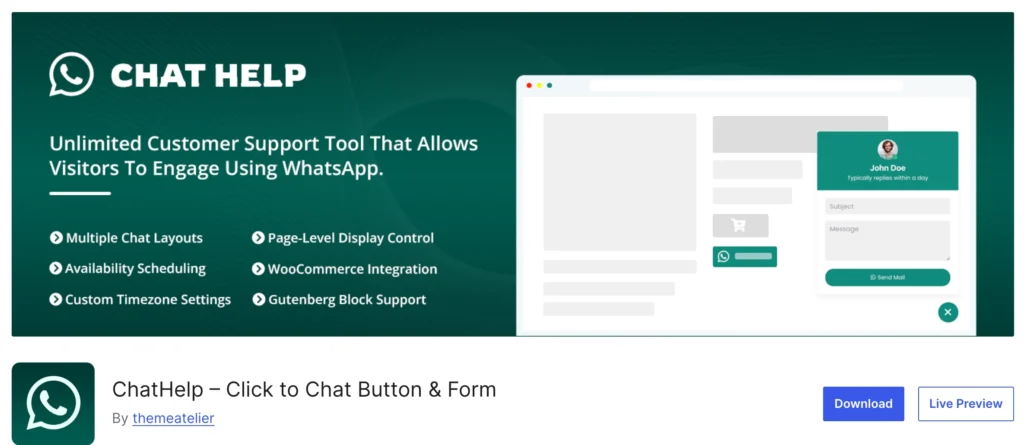
Chat Help – WhatsApp Chat Plugin
Chat Help is a flexible WhatsApp chat plugin designed to help WordPress websites connect with visitors instantly. It allows you to add chat buttons, bubbles, or form-based WhatsApp interactions with support for pre-filled messages and WooCommerce data. Whether you run a business site or an online store, Chat Help simplifies customer communication and improves response rates directly from your website.
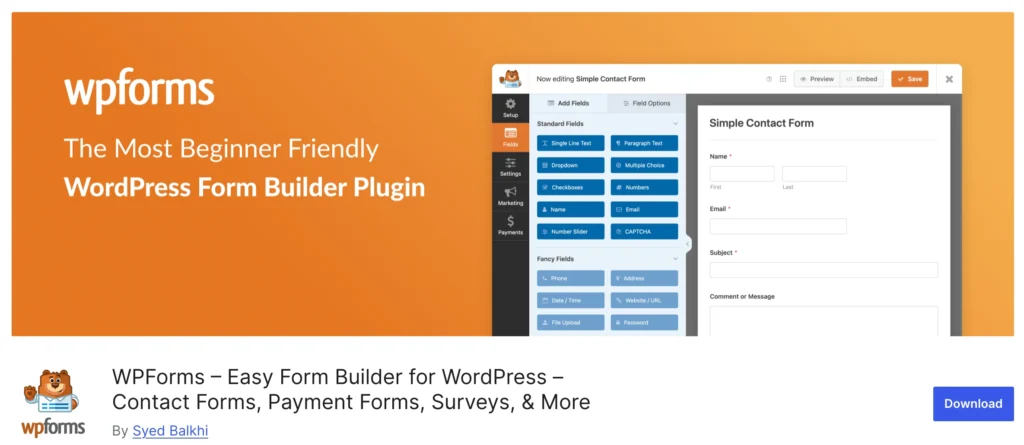
WpForms – Drag & Drop Form Builder
WPForms is a beginner-friendly drag-and-drop form builder plugin for WordPress, currently used on over 6 million websites as of 2026. It is designed to allow users to create professional-looking forms without writing any code.
👉 Read more: Best WordPress Form Plugin
Best WordPress Plugins for WooCommerce
WooCommerce powers millions of online stores, but the right plugins are essential to extend its core functionality and improve the shopping experience.

WooCommerce
WooCommerce is an open-source e-commerce plugin built for WordPress, designed to transform a standard website into a fully functional online store. Launched in 2011 and later acquired by Automattic (the team behind WordPress) in 2015, it has become one of the most widely used platforms for online merchants due to its flexibility and extensive customization options.
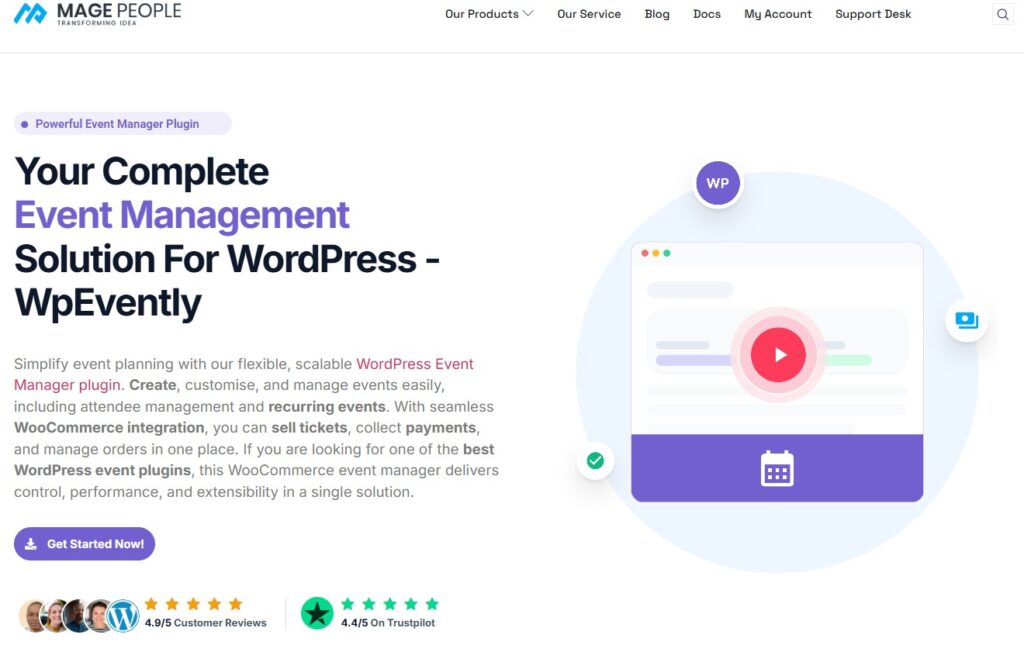
WpEvently
WpEvently is an all-in-one event management solution for WooCommerce. It simplifies creating recurring events, managing attendees, selling tickets, and generating PDF receipts, making it perfect for conferences, workshops, or performances.
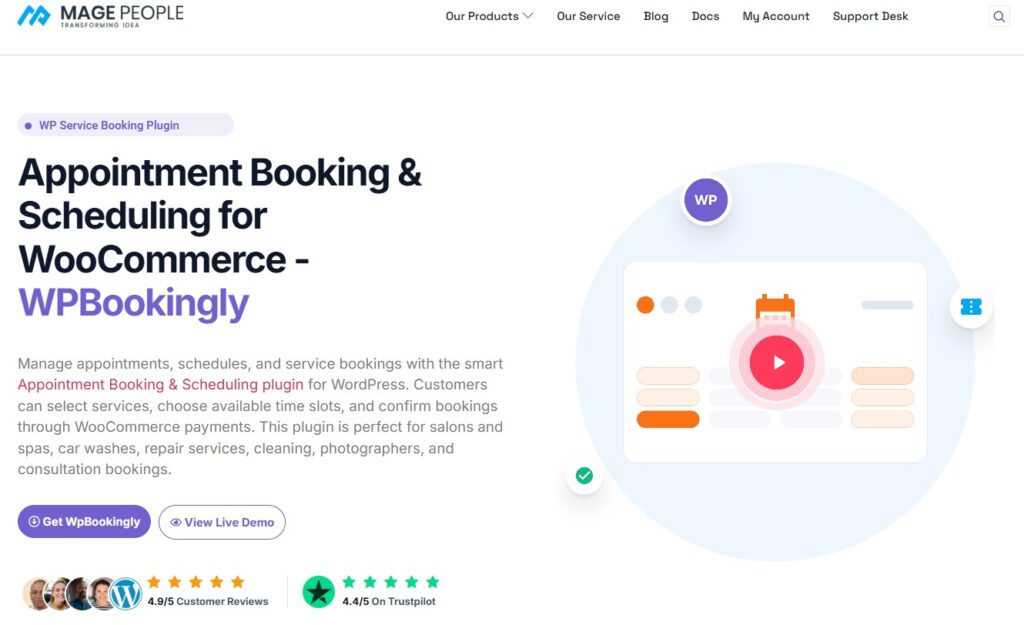
WpBookingly
WpBookingly is a professional service-booking plugin for salons, clinics, and repair shops. It offers 24/7 online appointment scheduling, flexible staff management, service customizations, and WooCommerce payment integration for a seamless experience.
👉 Read more: Best WooCommerce Plugins
Best WordPress Plugins for eCommerce
WordPress supports multiple eCommerce solutions, and the best eCommerce plugins help you sell physical products, digital downloads, or subscriptions depending on your business model.
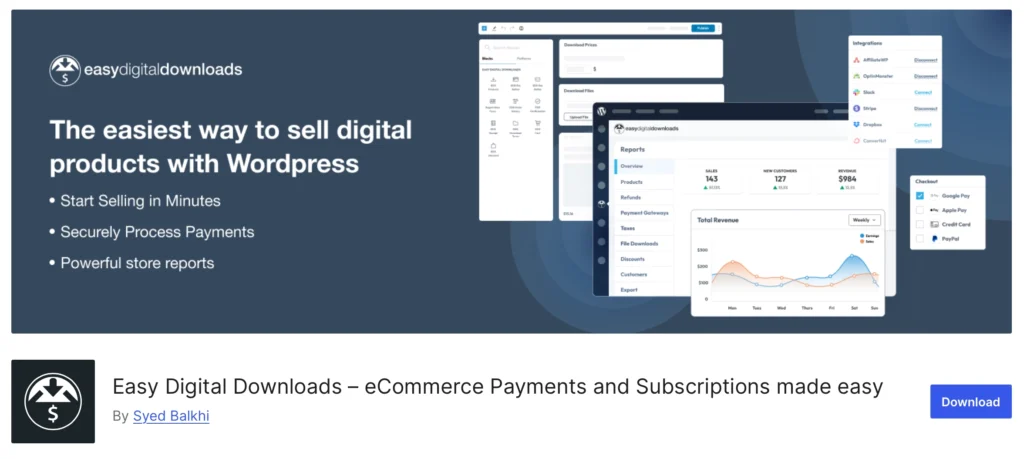
Easy Digital Downloads (EDD)
Easy Digital Downloads (EDD) is a specialized WordPress e-commerce plugin designed exclusively for selling digital products like eBooks, software, music, and online courses. While WooCommerce is a general-purpose tool for both physical and digital goods, EDD provides a lightweight, focused alternative specifically for digital creators.
Best WordPress Plugins For Consent Management
Managing user consent is essential for compliance, and the right plugin helps you handle cookies, preferences, and tracking easily.
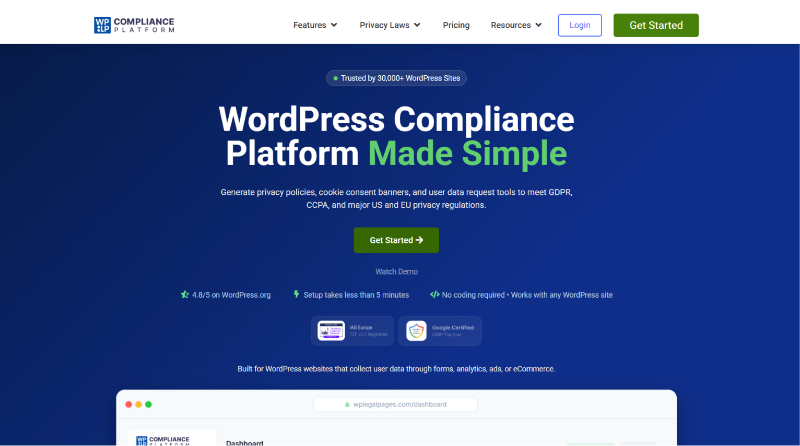
WPLP Compliance Platform
WPLP Compliance Platform is a powerful compliance plugin designed to help WordPress website owners easily generate and manage essential legal policies. Modern websites must comply with global privacy regulations such as GDPR, CCPA, and other data protection laws. WPLP simplifies this process by automatically creating legally required pages like Privacy Policy, Terms & Conditions, Cookie Policy, and more.
Instead of manually writing complex legal documents, WPLP provides ready-to-use templates that can be customized based on your website’s needs. It also includes cookie consent management and consent logging features, helping businesses maintain transparency and build user trust while staying compliant.
How Many Plugins Should You Install?
There’s a common myth that WordPress sites should use as few plugins as possible. In reality, the number of plugins matters far less than their quality.
A well-built site can run smoothly with 30 or more plugins, while a poorly optimized site can slow down with just a few. Performance issues usually come from poorly coded or outdated plugins, not from plugin count alone.
Performance vs Quality
High-quality plugins are optimized, actively maintained, and tested with modern WordPress versions. Low-quality plugins can add unnecessary scripts, database queries, or conflicts—regardless of how many plugins you have installed.
Best Practices
- Choose plugins that are actively maintained and well-reviewed
- Avoid plugins that overlap in functionality
- Remove plugins you’re no longer using
- Test performance after adding new plugins
The goal isn’t to install fewer plugins—it’s to install the right plugins that solve real problems without hurting performance.
Frequently Asked Questions (FAQ)
What are the best WordPress plugins?
The best WordPress plugins depend on your website’s goals. Most sites benefit from a combination of form plugins, eCommerce tools, performance-focused plugins, and communication or chat plugins. Rather than installing everything, it’s best to choose plugins that match how your site operates.
Are free WordPress plugins safe?
Yes—many free WordPress plugins are safe when downloaded from the official WordPress.org plugin directory. Look for plugins that are actively maintained, frequently updated, and widely used. Avoid plugins that haven’t been updated in a long time or have poor user feedback.
Can too many plugins slow down WordPress?
Too many plugins don’t automatically slow down a website. Performance issues usually come from poorly coded or outdated plugins, not the total number installed. Using fewer high-quality plugins is better than installing many low-quality ones.
What plugins are essential for a new WordPress site?
Most new WordPress sites need:
– A form or contact plugin
– An eCommerce plugin (if selling products or services)
– A performance or optimization plugin
– A communication or chat plugin (optional but useful)
The exact mix depends on your site type and audience.
Improve Website Speed with the Right Plugins
No matter how powerful your plugins are, site speed should always be a priority. Using too many heavy plugins can quietly slow your site and hurt user experience.
If you want to improve speed, combining lightweight plugins with proven optimization strategies is key. This practical guide on WordPress speed optimization plugins breaks down the exact tools and techniques you can use to keep your site fast, responsive, and competitive.
Final Thought
There is no single “best” WordPress plugin for every website.
The right plugins depend on what you’re building—whether it’s a blog, a business site, an online store, or something in between. That’s why categories matter more than rankings. A plugin that’s essential for one site may be unnecessary for another.
The key is to choose plugins based on your goals, your users, and how you want your site to function—not just on popularity. Fewer, well-chosen plugins will almost always outperform a long list of tools you don’t actually need.
This guide is designed to be a living resource. As WordPress evolves and new plugins emerge, we’ll continue updating this list to reflect tools that offer real value and long-term reliability.
Use it as a reference, not a checklist—and build a plugin stack that grows with your website.